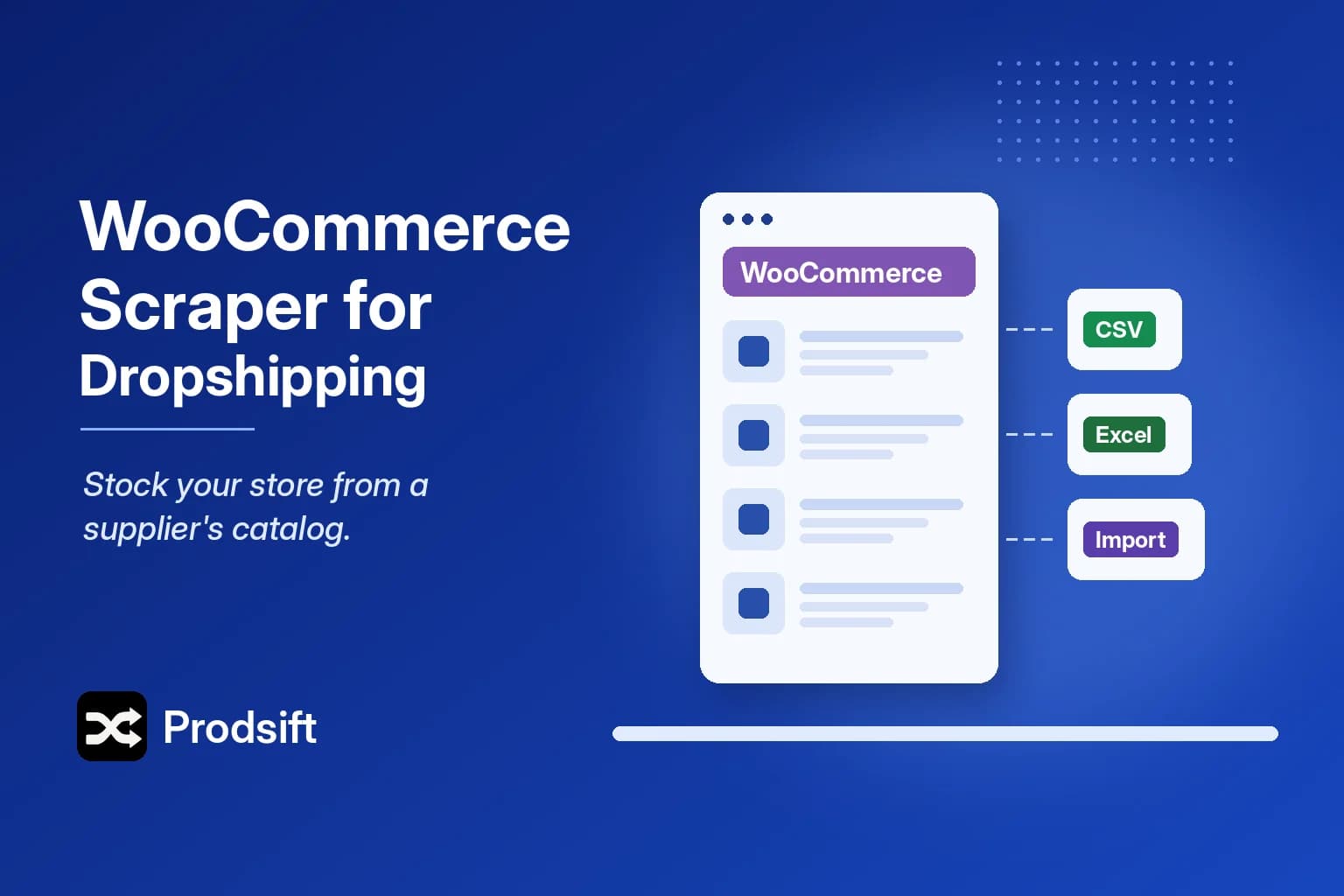
The slowest part of a dropshipping launch isn't the store. It's entering the first hundred products by hand. A WooCommerce scraper turns that into a ten-minute job.
Key Takeaways
- A WooCommerce scraper extracts a store's full public catalog — names, variations, SKUs, prices, categories and image URLs — without admin access
- For dropshipping, the two best sources are your supplier's own WooCommerce store and an established competitor's catalog
- Filter by category before exporting, or you'll import hundreds of products you never meant to list
- Rewrite descriptions, reprice against your supplier cost, and re-host images before anything goes live
A WooCommerce scraper reads a store's publicly visible products and turns them into a structured CSV you can import elsewhere. Many suppliers and wholesalers run their catalogs on WooCommerce, which makes it one of the most useful tools a dropshipper can have.
Two catalogs worth scraping
Your supplier's store
If your supplier sells through a WooCommerce site, their catalog is the most accurate product data you'll get: real SKUs, real variation structure, real stock status. Scraping it beats copying from a PDF price list or a spreadsheet that went stale months ago.
A competitor's store
A store that has been trading for a while has already cut what didn't sell. Its catalog shows you which categories carry the range, how products are priced, and which variations people actually buy. You're not copying it — you're using it to skip the guesswork about what to stock.
Step by step: scraping a WooCommerce store for dropshipping
- Check the platform. Paste the URL into the free store checker. If it's Shopify, use the Shopify scraper for dropshipping guide instead.
- Run the extraction. Paste the store URL into ProdSift. It pulls the full catalog with every variation.
- Filter before you export. Narrow by category and product type, search by name, and untick anything you won't sell.
- Pick the destination format. WooCommerce CSV if your store is on WooCommerce, Shopify CSV if it's on Shopify. The variation structure is converted for you.
- Import as drafts. In WooCommerce, use Products → Import. Keep everything unpublished until it's been through the checklist below.
Why variations matter more in dropshipping
A WooCommerce variable product is a parent product plus one row per variation — each size, each colour — with its own price, SKU and stock. Suppliers price variations differently all the time: the XXL costs more, the limited colour is out of stock.
A scraper that only reads the default variation gives you one price for a product that has six. List from that and you'll sell an XXL at the price of a small. A good WooCommerce scraper exports every variation as its own row, so your pricing starts from the supplier's real numbers.
What to change before you list anything
Scraped data is a starting point, not a finished store:
- Descriptions. Copied text is duplicate content, and it's someone else's copy. Rewrite it for your audience.
- Prices. Reprice from your landed cost — supplier price, shipping, payment fees — not from the source store's retail price.
- Images. Image URLs point at the source store. Re-host them on your own store, and check you have the right to use them; supplier imagery usually comes with permission, competitor photography doesn't.
- SKUs. Map supplier SKUs to your own scheme if your fulfilment process needs it.
- Stock. Treat scraped stock as a snapshot. Agree a stock feed or update routine with your supplier.
⚠️ Note: Scraping publicly visible product information is generally permitted, but how you use it matters. Review the source store's terms and the laws in your region, and don't republish copyrighted descriptions or photos without permission.
WooCommerce scraper vs a WordPress dropshipping plugin
Plugins that import products from another WooCommerce store into yours are an alternative, and they suit an ongoing relationship with a single supplier. A WooCommerce scraper suits everything else: testing several suppliers, researching competitors, or moving products into a Shopify store, which a WordPress plugin can't do. The trade-offs are covered in WooCommerce export plugins vs a WooCommerce scraper.
FAQ
Yes, as long as the catalog is publicly visible. If the supplier puts prices behind a trade login, a scraper only sees what a logged-out visitor sees — ask the supplier for a product feed instead.
ProdSift exports every variation as its own row with its own price, SKU and stock, and rebuilds the parent–variation structure for either WooCommerce or Shopify.
Yes. Choose Shopify CSV as the export format and the catalog comes out in Shopify's import format, with variations grouped under their parent product.
ProdSift's free plan lets you browse a store's full catalog and export 5 products, so you can confirm the import works before paying for a full export.
Scrape your supplier's WooCommerce catalog
Every product and variation from any public WooCommerce store, ready to import into WooCommerce or Shopify. First 5 products free.
Start with the WooCommerce scraper