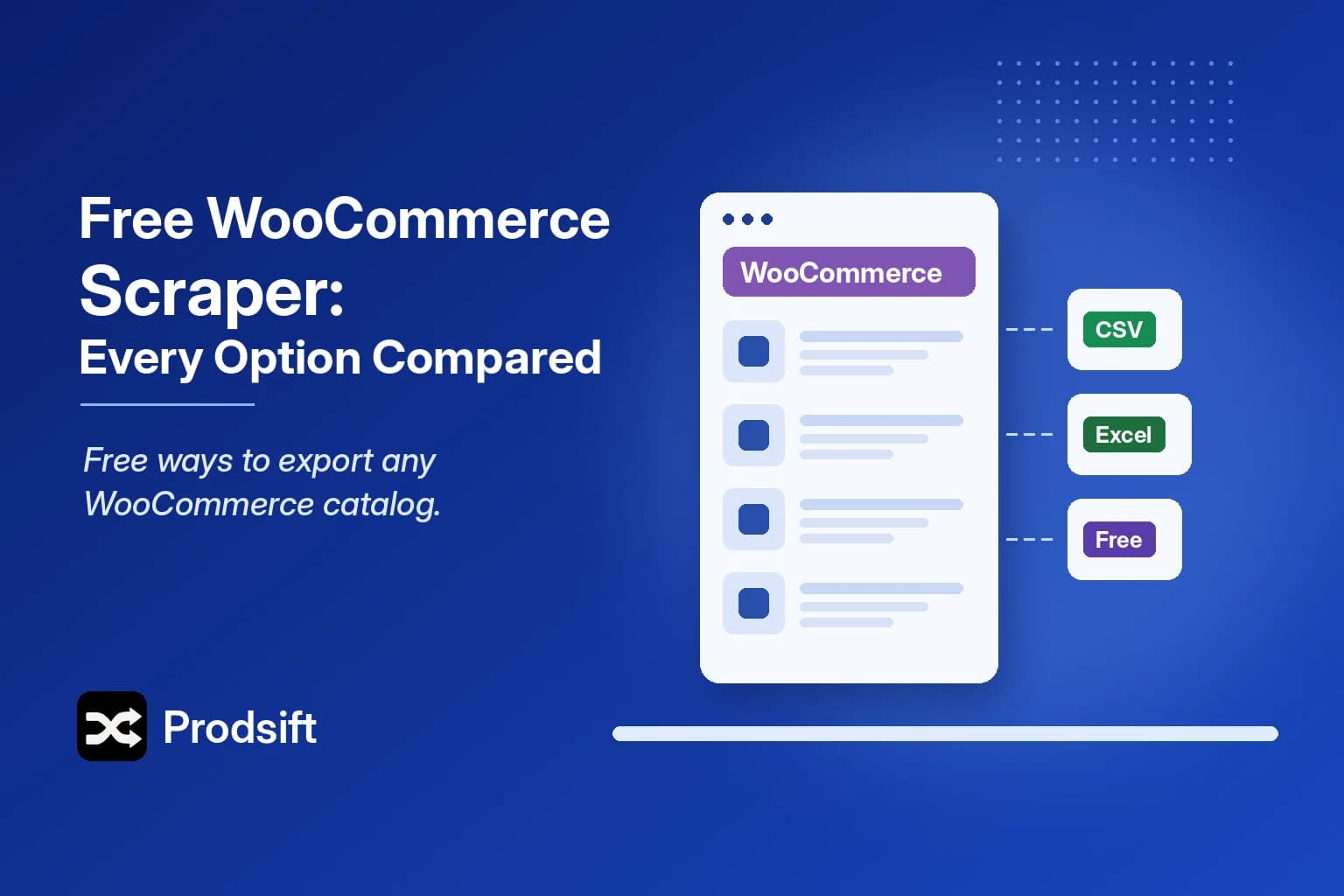
There are four ways to get products out of a WooCommerce store for free. Which one works comes down to two things: whether you have admin access, and whether the store sells variable products.
📥 Quick answer: For your own store, WooCommerce's built-in export under Products → Export is free and complete. For a store you don't own, a free browser extension covers small catalogs, and a dedicated WooCommerce scraper like ProdSift shows the full catalog free and exports 5 products to test the import. Full-catalog extraction from other stores isn't free anywhere.
Key Takeaways
- WooCommerce's built-in export is free and unlimited, but it requires WordPress admin access
- Variable products are where free tools fall down — many capture only the default variation
- Free browser extensions suit a few dozen simple products, not large variable catalogs
- A dedicated WooCommerce scraper's free tier is for proving the output imports before you pay
A WooCommerce scraper extracts a store's public catalog — product names, variations, SKUs, prices, categories, stock and image URLs — into a structured file. Here is what each free route actually gives you.
1. WooCommerce's built-in export (free, your store only)
In WordPress, go to WooCommerce → Products → Export. Choose columns, product types and categories, and WooCommerce generates a CSV with parent products and variations in the format its importer expects.
It's the best free option by a distance — if the store is yours. It can't reach a competitor, a supplier or a client site you haven't been given a login for. The full walkthrough is in how to export WooCommerce products to CSV.
2. Free Chrome extensions (free, small catalogs)
Free extensions read the products on the WooCommerce page you're viewing and export them to CSV.
For simple products and short catalogs they're fine. The trouble starts with variable products: the variations live in dropdowns, and many extensions export the product once at its default price. On a clothing store that can mean one row where there should be twenty. They also run page by page, so big catalogs take a long time.
3. Free tiers of dedicated WooCommerce scrapers (free to test)
A dedicated WooCommerce scraper works from the store URL, pulls the whole catalog, and exports a CSV that WooCommerce — or Shopify — imports directly, with every variation as its own row.
ProdSift's free plan extracts and shows the store's entire catalog, so you can check that every product and variation is there, and lets you export 5 products to run a real test import. The free tier isn't meant to replace a paid plan; it's meant to show you the output works before you rely on it.
4. Writing your own scraper (free in money)
Developers can write a script to walk a store's catalog. It's free and flexible, and you'll spend most of the time on the part that isn't scraping: reconstructing parent and variation rows, mapping attributes, and naming columns the way WooCommerce's importer expects. See the methods compared in how to scrape WooCommerce products.
Which free WooCommerce scraper fits your job?
| Your situation | Best free option |
|---|---|
| It's your own store | WooCommerce native export |
| A few simple products from another store | Free Chrome extension |
| Checking a catalog imports cleanly, variations included | Free tier of a dedicated tool |
| You code and want full control | Your own script |
| A full variable catalog from a store you don't own | No free option — a paid plan |
Pro tip: Before choosing a tool, confirm the platform with the free store checker. Plenty of WooCommerce stores don't look like WordPress sites at all.
FAQ
Only WooCommerce's own export, and only for stores where you have admin access. For other stores, free options are limited either by catalog size, by variation support, or by export count.
WooCommerce's native export does. Free extensions often don't — they export the default variation only. ProdSift's free tier exports full variation data for the 5 products it includes.
Yes. The REST API needs keys that only the store owner can issue. A scraper reads the public storefront, so no keys or credentials are required.
You can remap the columns by hand in a spreadsheet, which is free but slow and easy to get wrong with variations. A WooCommerce scraper that exports in Shopify format skips that step; ProdSift's free tier lets you test it on 5 products.
Test the WooCommerce scraper free
See any WooCommerce store's full catalog, every variation included, and export 5 products to test your import.
Scrape a WooCommerce store free