Shopify Scraper — Export Any Store’s Products to CSV
Scrape Shopify products to CSV in one click using our Shopify Scraper. Get titles, prices, variants, images, and SKUs — fully formatted and ready to import into Shopify or WooCommerce.
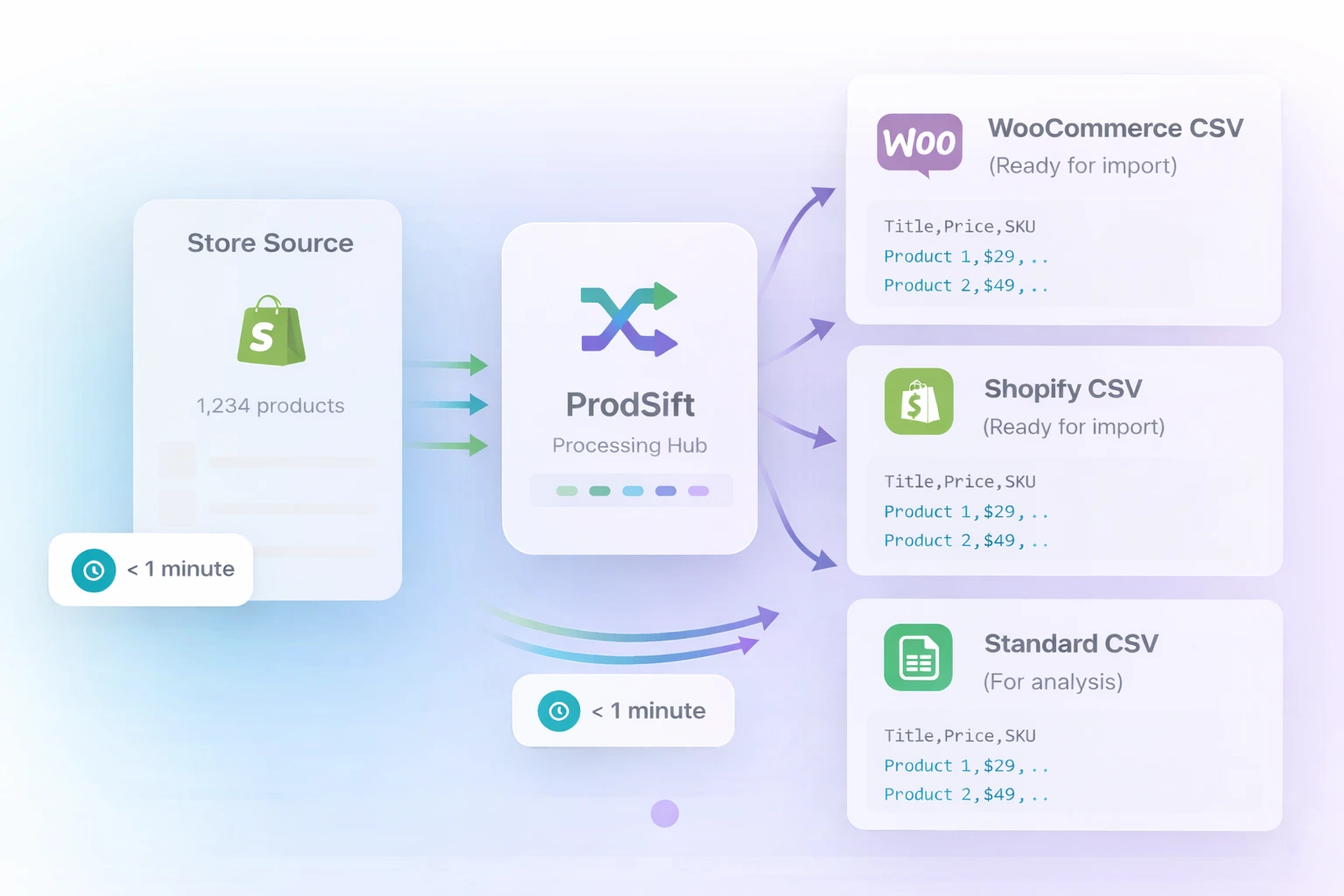
Save hours daily
Export in 42 seconds
Trusted by stores powered by
I'm new to Shopify scrapers.
What should I know?
Glad you asked! Here are the basics to get you started.
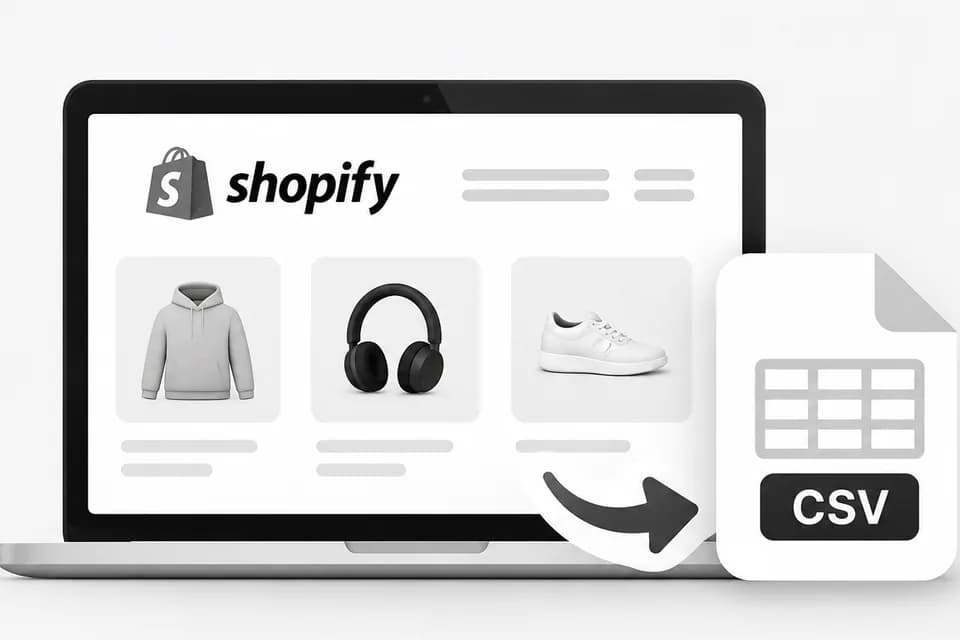
What is a Shopify scraper?
A Shopify scraper is a tool that reads the public product catalog of a Shopify store and turns it into structured data — titles, prices, variants, SKUs, images and descriptions — that you can download as a spreadsheet. Unlike Shopify's built-in export, it doesn't need admin access, so it works on any store: a competitor, a supplier, or a client store you haven't been given a login for.
What are the benefits of using a Shopify scraper?
A Shopify scraper turns days of copy-pasting into minutes. Dropshippers stock a new store from a supplier's catalog, agencies migrate client stores without waiting for admin access, and researchers track competitor pricing and ranges across many stores at once. Because the export is import-ready, the time you save doesn't disappear into spreadsheet cleanup.
Do I need to install anything?
No. The Shopify scraper runs on prodsift.com — there's no app to install, no plugin on the store, and no API key. Paste a store URL and the full catalog loads in your browser. A free Chrome extension is available if you'd like to send stores to ProdSift while you browse, but it's optional.
How do I use a Shopify scraper?
We'll show you how in three simple steps.
Paste the store URL
Copy the address of any public Shopify store and paste it into the Shopify scraper. The platform is detected for you.
Filter and select
Browse the full catalog, filter by product type or vendor, search by name, and tick the products you want.
Export the CSV
Choose where you're importing — Shopify CSV, WooCommerce CSV or a simple spreadsheet — and download your file.
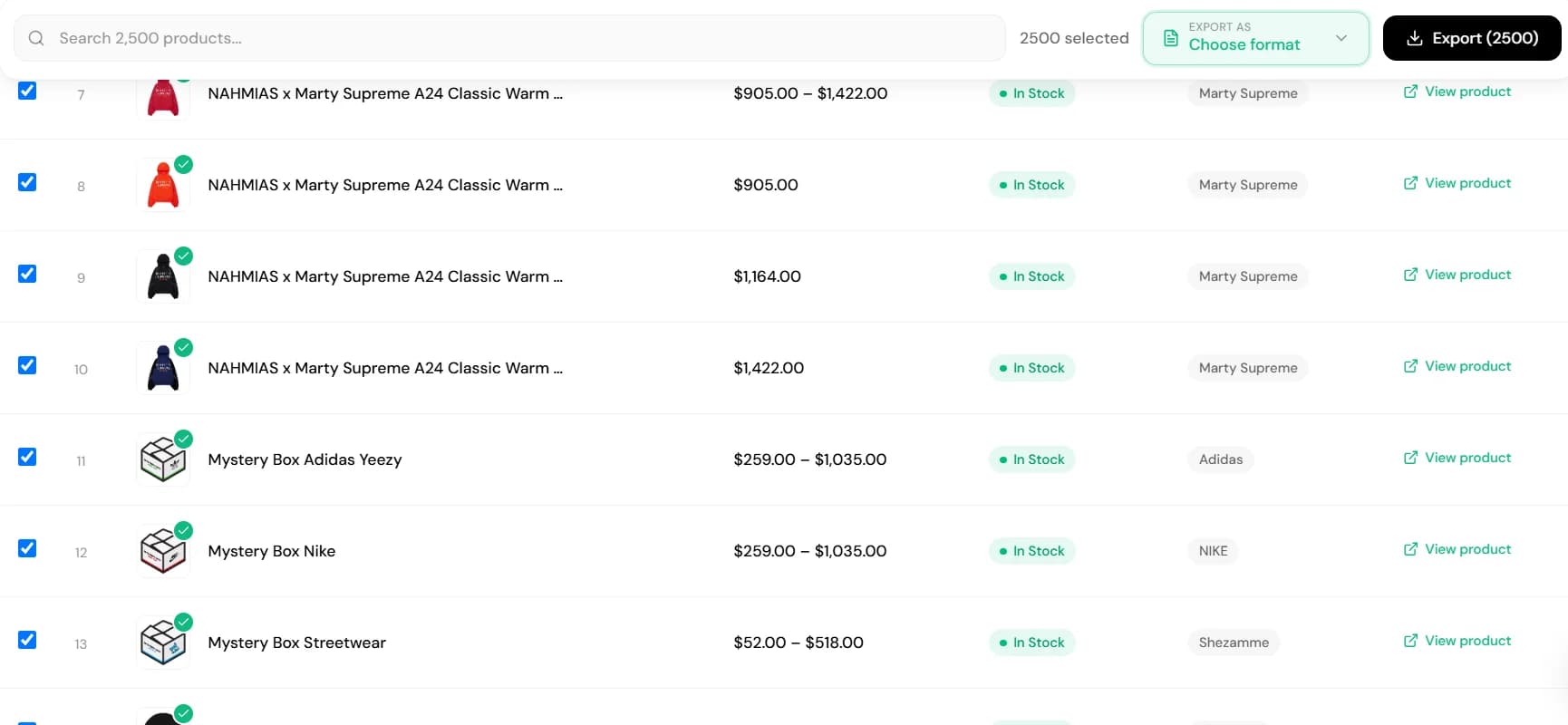
See every product the
Shopify scraper finds before you export
The full catalog loads in one table — images, prices, stock and vendor for every product. Search it, select what you need, and export only that.
See the Shopify scraper in action
Watch the 2-minute walkthrough and see exactly how fast it works.
Stock your store faster
with the Shopify scraper
Pull any Shopify store's full catalog — every product, variant and image — into a CSV that imports first time.
Create free accountWhat can I extract
with a Shopify scraper?
Every field a Shopify store publishes for its products — captured once, exported in the format your store imports.
Try the Shopify scraper| Product Name | Variants | Price | Compare At | SKU | Stock | Product Type |
|---|---|---|---|---|---|---|
| Merino Wool Crewneck | 4 sizes | $89.00 | $69.00 | MW-001 | In Stock | Sweaters |
| Stainless Water Bottle | 3 colors | $34.99 | — | WB-114 | In Stock | Drinkware |
| Foam Roller Pro | — | $54.00 | $44.00 | FR-209 | Fitness | |
| Linen Throw Pillow | 5 colors | $49.99 | — | LTP-033 | In Stock | Home Decor |
| Leather Card Holder | — | $29.00 | $22.00 | LCH-078 | In Stock | Accessories |
What to do with your
Shopify scraper export
One scrape, three ways to use it — stock a Shopify store, move to WooCommerce, or study a competitor's catalog.
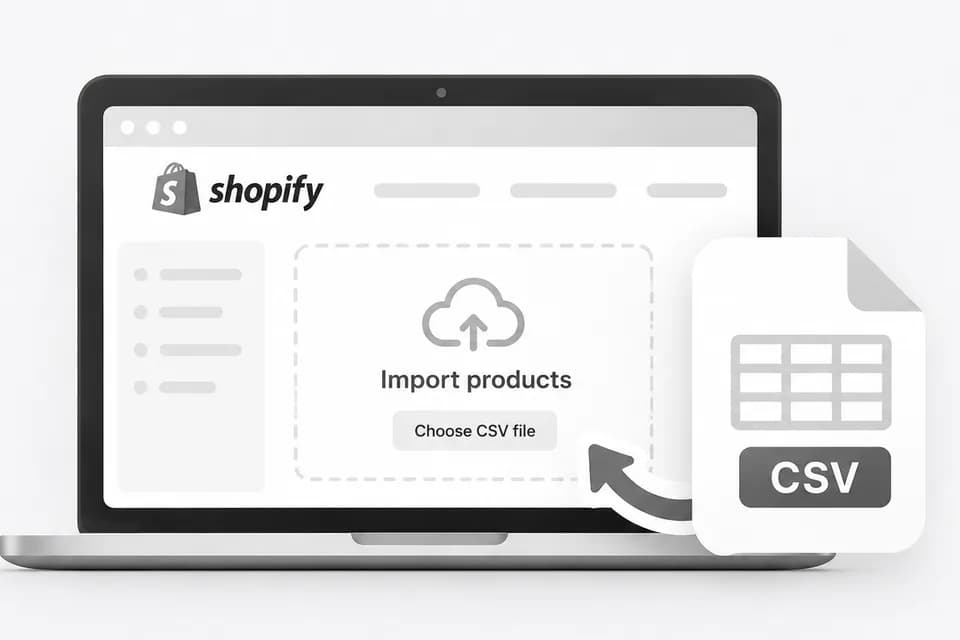
Import into your Shopify store
The Shopify scraper exports a file in Shopify's own product CSV format, so it goes straight into Products → Import in your admin. Titles, variants, prices, images and tags land where they belong — no column mapping, no rebuilding variant rows.
How to import Shopify products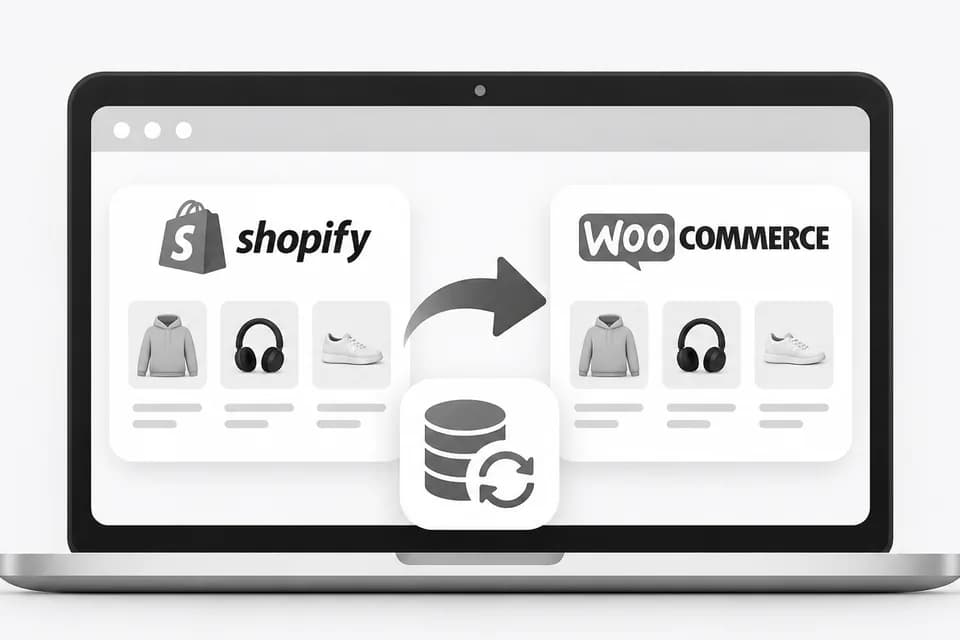
Move the catalog to WooCommerce
Leaving Shopify? Export the same scrape as a WooCommerce CSV instead. The Shopify scraper converts variants into WooCommerce variations and keeps images and categories attached, so the whole catalog moves in one import.
Shopify to WooCommerce migration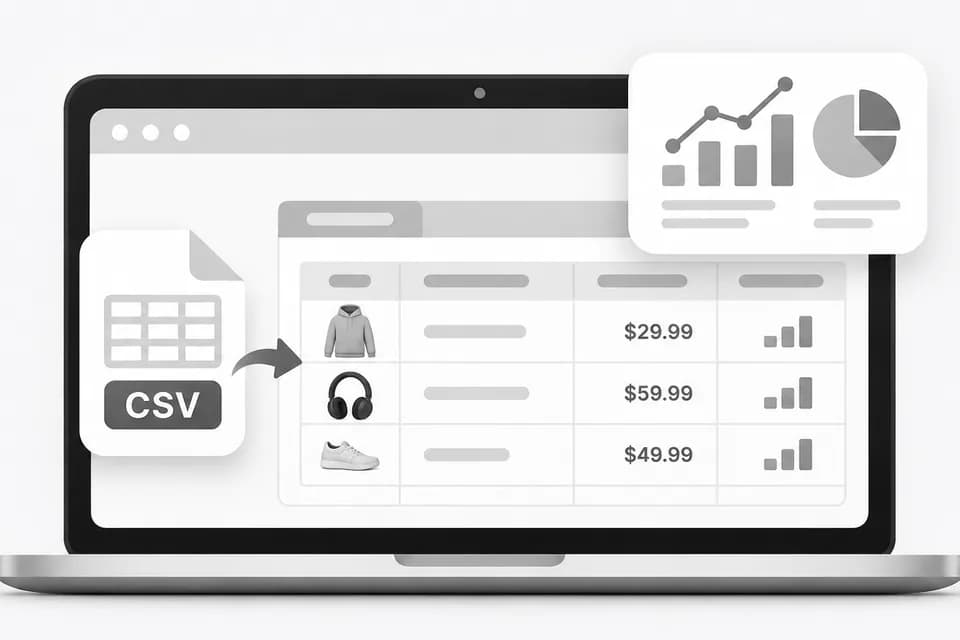
Analyse competitors in a spreadsheet
Open the Shopify scraper export in Excel or Google Sheets to compare a competitor's range, pricing and stock across their whole store — or run it through the free Competitor Analyzer for the summary in seconds.
Competitor AnalyzerEverything you need in a Shopify scraper
Unlock the full power of the Shopify scraper with these smart, time-saving features.
The Shopify scraping tool built for
ecommerce professionals.
Why ProdSift beats every other
Shopify scraper
Apify actors and visual scrapers like Octoparse can pull Shopify data, but they hand you raw output to clean up. Shopify's own export is import-ready but only works on your own store.
| ProdSiftRecommended | Apify actors | Visual scrapers | Shopify export | |
|---|---|---|---|---|
| Works on stores you don't own | ||||
| Shopify import-ready CSV | ||||
| WooCommerce import-ready CSV | ||||
| Variants, images & SKUs | Template-dependent | |||
| No setup — paste a URL | ||||
| Runs in the browser | ||||
| Pricing | 5 products free, then $25.99/mo | Pay per run | Free tier + paid plans | Free, own store only |
Frequently asked questions
about the Shopify scraper
Everything people ask before scraping a Shopify store — what the Shopify scraper extracts, how exports work, and how to import the CSV.
Can't find the answer? Contact our team.
Shopify scraper guides
How to scrape Shopify products
Every method compared — built-in export, code, visual scrapers and dedicated tools.
Read guideBest Shopify scrapers in 2026
Seven tools compared on output, setup and price, including free options.
Read guideShopify scraper for dropshipping
Turn a competitor's catalog into a ready-to-sell store.
Read guideFree Shopify scraper options
Every free route compared — what each one can and can't do.
Read guideShopify scraper
Your all-in-one Shopify scraper
Extract any Shopify store's catalog, filter it down to what you need, and export a CSV that imports into Shopify or WooCommerce first time. First 5 products free.