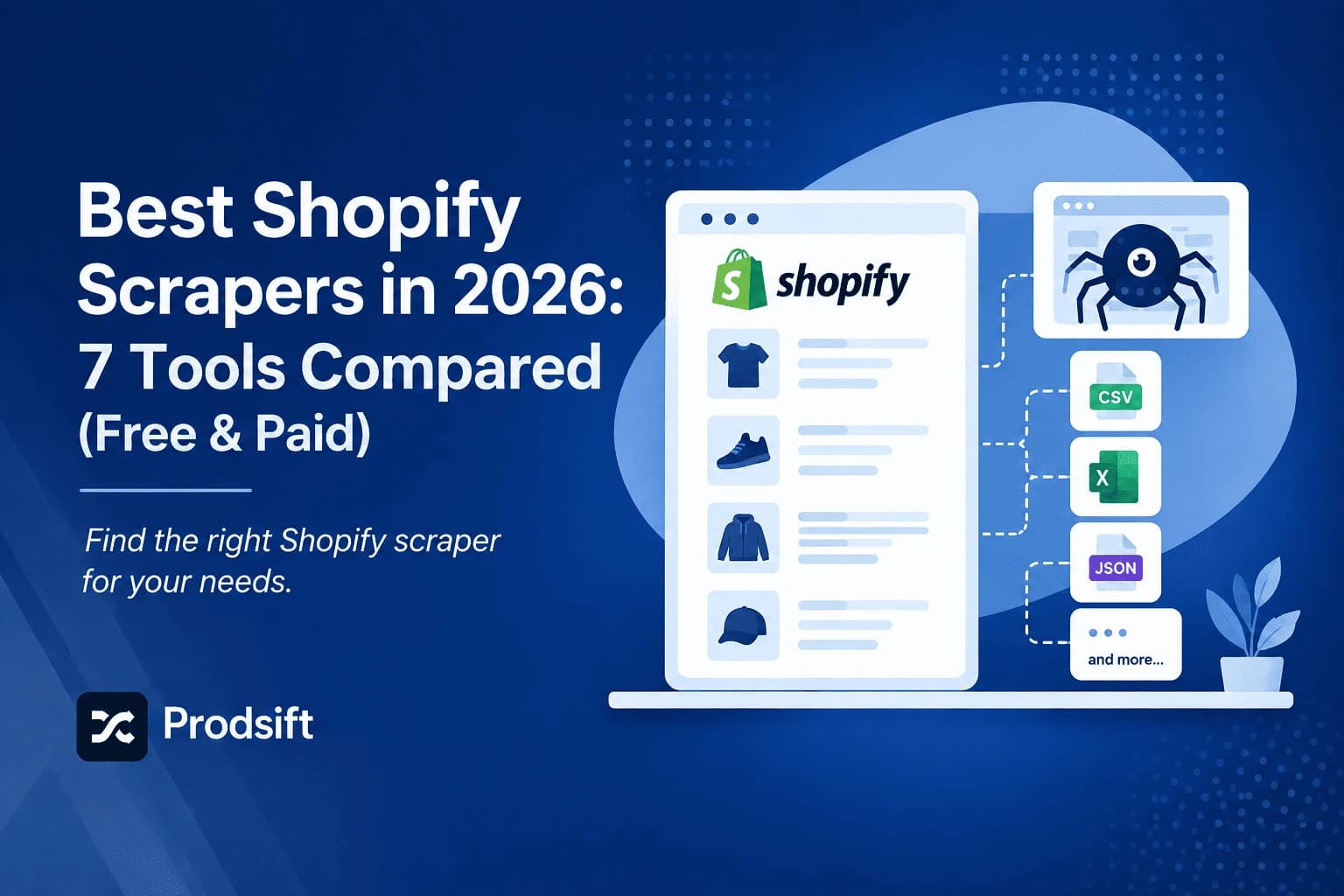
Every tool here can get product data out of a Shopify store. They differ enormously in how much work you have to do to get it — which is why the best Shopify scraper for one job is the wrong choice for another.
📥 Quick answer: The best Shopify scraper depends on the output you need. For an import-ready CSV of any store's catalog, use a dedicated extractor like ProdSift. For a recurring data feed you're building on, use Apify. For exporting a store you own, use Shopify's free native export under Products → Export.
Key Takeaways
- A Shopify scraper extracts a store's public catalog into a structured file; Shopify's native export only works on stores you own
- Dedicated tools give you an import-ready CSV; general-purpose scrapers give you raw data and a mapping job
- Browser extensions are free but page-by-page, which breaks down past a few dozen products
- Choose based on whether you need a finished CSV or a data pipeline — that single question eliminates five of the seven
A Shopify scraper extracts product data — titles, variants, SKUs, prices, stock, and image URLs — from a Shopify storefront and returns it as a structured file. The tools that do this fall into four groups, and the group matters more than the individual tool.
This comparison covers all four: dedicated ecommerce extractors, general-purpose scraping platforms, browser extensions, and Shopify's built-in export. If you're new to the process itself, start with how to scrape Shopify products.
Quick comparison
| Tool | Type | Needs store access | Output | Best for |
|---|---|---|---|---|
| ProdSift | Dedicated ecommerce | No | Import-ready CSV | Migrations, competitor catalogs |
| Apify | Scraping platform | No | JSON / raw data | Developers building pipelines |
| Octoparse | Visual scraper | No | CSV / Excel | Non-developers, mixed sources |
| ParseHub | Visual scraper | No | CSV / JSON | Complex, irregular sites |
| Bright Data | Enterprise data platform | No | Custom feeds | High-volume, ongoing collection |
| Web Scraper.io | Browser extension | No | CSV | Small, one-off jobs |
| Shopify native export | Built-in admin tool | Yes | Shopify CSV | Backing up your own store |
1. ProdSift
A dedicated extractor for Shopify and WooCommerce catalogs. You paste a store URL, it detects the platform, pulls the full catalog, and exports a CSV formatted for whichever platform you're importing into — including cross-platform, so a Shopify catalog can come out as a WooCommerce-ready file and vice versa.
The narrow scope is the point. It only does ecommerce catalogs, so there's no selector configuration, no field mapping, and no cleanup step between export and import.
Strengths: import-ready output, automatic platform detection, no setup. Limits: Shopify and WooCommerce only — it won't scrape arbitrary websites.
Extract a full catalog in seconds
Paste any Shopify or WooCommerce store URL and get a clean, import-ready CSV in seconds. First 5 products free — no credit card needed.
Try ProdSift free2. Apify
A platform for running and hosting scrapers, with a marketplace of pre-built ones including several aimed at Shopify. Usage-based pricing, a proper API, and scheduling.
This is the right answer if you're building something — a price monitor, a recurring feed, a data product. It's the wrong answer if you just need a CSV today, because you'll get JSON and a mapping problem.
Strengths: programmable, schedulable, scales. Limits: developer-oriented; output needs transformation before any store will accept it.
3. Octoparse
A visual scraper: you click elements on a page to define what gets extracted, and it builds the rule set for you. Handles pagination and can export to CSV or Excel.
Useful when your sources are mixed — some Shopify, some marketplaces, some random supplier sites. The trade-off is that you configure each site yourself, and Shopify themes vary enough that a template built for one store often breaks on the next.
Strengths: no code, works on almost any site. Limits: per-site setup, and the output still needs remapping for import.
4. ParseHub
Similar category to Octoparse, stronger on sites with awkward structure — heavy JavaScript, nested navigation, inconsistent layouts. Free tier available with project limits.
For a standard Shopify store this is more machinery than the job needs. Its advantage shows on sites that defeat simpler tools.
Strengths: handles difficult page structures. Limits: learning curve, slower for straightforward catalogs.
5. Bright Data
An enterprise data collection platform with proxy infrastructure, prebuilt datasets, and compliance tooling. Built for organisations collecting at serious volume on an ongoing basis.
Priced and structured accordingly. If you're a store owner extracting a catalog, this isn't your tier.
Strengths: scale, reliability, infrastructure. Limits: cost and complexity far beyond a catalog job.
6. Web Scraper.io (browser extension)
A free Chrome extension that scrapes pages you visit by defining a sitemap of selectors. No server, no account.
It works, and it costs nothing. But it runs page by page in your browser, so a 400-product catalog means sitting through 400 page loads — and anything that interrupts the run loses your progress.
Strengths: free, private, no signup. Limits: slow, fragile, impractical past small catalogs.
7. Shopify's native export
Not a scraper, but worth including because it's the correct tool for one specific job: exporting a store you own. Go to Products → Export, choose your scope, and Shopify generates a CSV — either downloaded immediately or emailed for large catalogs.
It's free, accurate, and produces perfectly formatted Shopify CSV. It also requires admin access, which means it's no help for competitor research, client stores you haven't been onboarded to, or supplier catalogs. If your export isn't arriving or comes out incomplete, see why your Shopify product export is failing.
Strengths: free, exact, officially supported. Limits: your own stores only.
Free Shopify scraper options
If you need a free Shopify scraper, there are three realistic routes, each with a ceiling:
- Shopify's native export — completely free and unlimited, but only for stores you have admin access to.
- Web Scraper.io — free with no account, but slow and page-by-page, so it's practical only for small catalogs.
- Free tiers of paid tools — most dedicated tools and visual scrapers offer a limited free plan. ProdSift's free plan shows a store's entire catalog and exports 5 products, which is enough to confirm the CSV imports cleanly into your store before paying.
There's no free Shopify scraper that extracts large catalogs from stores you don't own without limits. Free tiers exist so you can verify the output — use them for exactly that. Each free route is covered in more depth in free Shopify scraper options.
Pro tip: Before running any scraper, confirm the store actually runs on Shopify. Many Shopify stores use custom domains, so the URL won't tell you — the free store checker identifies the platform in seconds.
How to choose the best Shopify scraper
One question eliminates most of the list: do you need a finished CSV, or a data pipeline?
- A finished CSV, once or occasionally — dedicated extractor. Native export if it's your own store.
- A recurring feed or something you're building on — Apify, or Bright Data at volume.
- Mixed sources beyond ecommerce — Octoparse or ParseHub.
- A handful of products, right now, free — a browser extension.
The common mistake is reaching for a general-purpose scraping platform for a catalog job. You'll get the data, then spend longer remapping columns than the extraction took. Scraping WooCommerce stores too? The same comparison for WooCommerce is in best WooCommerce scrapers.
FAQ
For an import-ready CSV of any public store, a dedicated extractor like ProdSift, because it outputs files that import straight into Shopify or WooCommerce with no mapping step. For building a recurring data feed, Apify. For your own store, Shopify's native export.
For your own store, Shopify's native export — it's free, official, and perfectly formatted. For stores you don't own, free options are browser extensions or free tiers of paid tools, both of which cap out quickly. Most dedicated tools offer a limited free extraction so you can verify the CSV imports before paying.
All of them except Shopify's native export. Scrapers read publicly visible storefront data, which is why they work on any live store; the native export requires admin credentials.
Not for dedicated extractors, visual scrapers, or extensions. Apify and Bright Data assume developer skills to get real value out of them.
Only if the tool formats it for your target platform. Generic scrapers output generic data, and you'll map columns by hand. Check the output format before choosing, not after.
Extracting publicly accessible product data is generally permitted, but site terms of service may restrict automated access, and copied descriptions and images raise separate copyright questions. Check both before commercial use.
Skip the mapping step
Paste any Shopify or WooCommerce store URL and get a clean, import-ready CSV in seconds. First 5 products free — no credit card needed.
Extract a store free