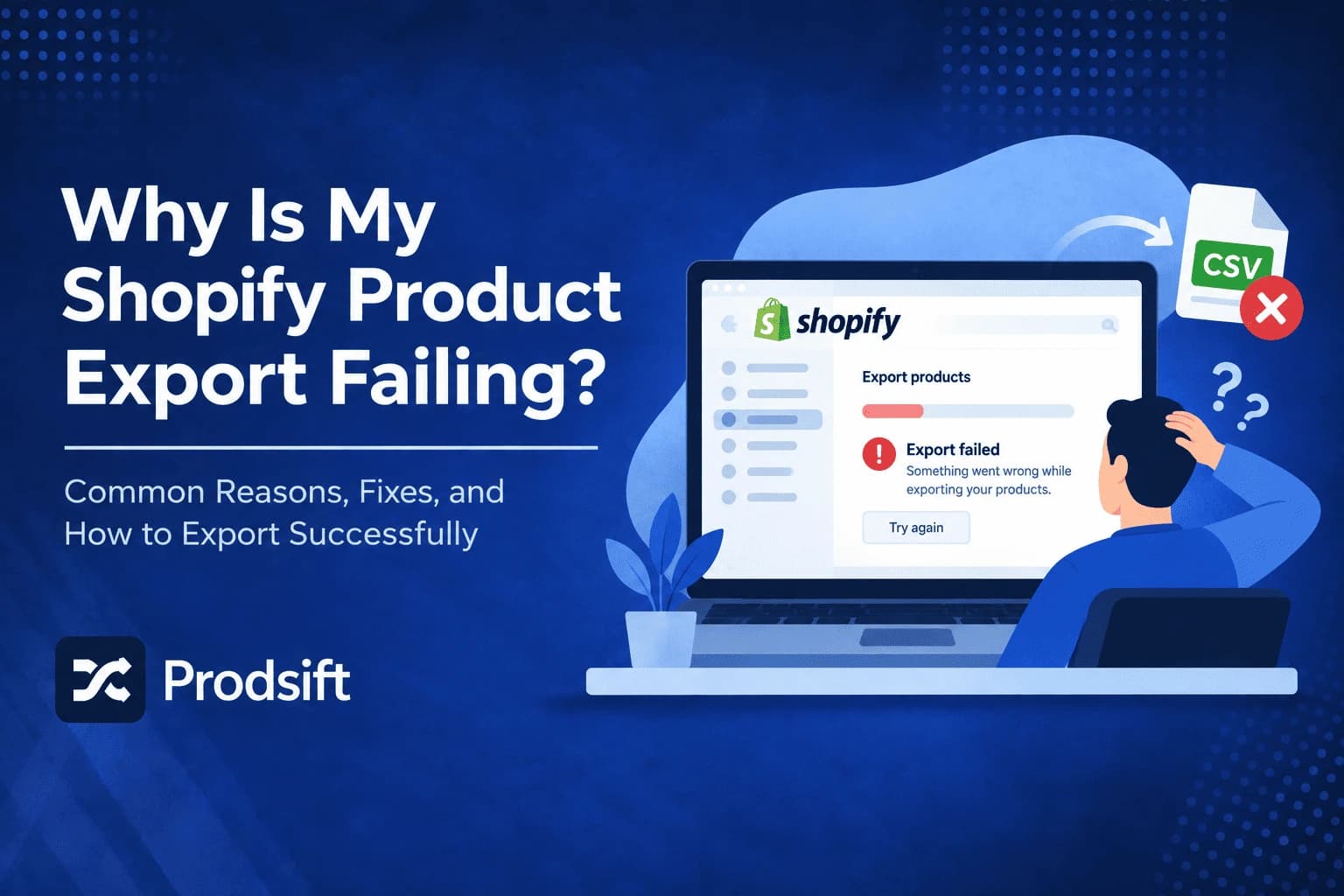
Why is my Shopify product export failing? It's one of the most common questions store owners hit, because the export rarely shows a clear error. The file never arrives, arrives with half the catalog missing, opens as garbled text, or refuses to import anywhere else. This guide walks through every common cause of a failing Shopify product export, grouped by symptom, with the fix for each.
📥 Quick answer: Most Shopify product export failures come from four causes. Large exports are emailed, not downloaded — check the inbox of the account that started the export, including spam. If rows are missing, you probably exported Current page instead of All products. If the file looks broken, Excel reformatted it — open it in Google Sheets instead. And if it won't import elsewhere, the destination platform expects a different CSV format.
Key Takeaways
- Shopify delivers larger product exports by email as a download link, so an export that "never finished" has usually already been sent
- The export dialog can export only the current page of products — choosing it by mistake is the most common cause of an incomplete file
- Microsoft Excel silently strips leading zeros from SKUs and barcodes and can break special characters — use Google Sheets or Excel's text import
- Custom metafields and app data aren't part of the standard Shopify product CSV, so they won't appear in the export
- A Shopify CSV won't import into WooCommerce without remapping — the two platforms structure variants differently
Before diving into fixes, it helps to know how the export actually works, because most "failures" are the export behaving exactly as designed in a way that isn't obvious.
How the Shopify product export works
The Shopify product export lives under Products → Export in your Shopify admin. It generates a CSV in Shopify's product import format: one row per variant, grouped by a shared Handle, with columns like Title, Body (HTML), Vendor, Type, Tags, Variant SKU, Variant Price, and Image Src.
The export dialog asks two questions:
- Which products to export — the current page, all products, selected products, or products matching your current search and filters.
- Which format — CSV for Excel, Numbers, or other spreadsheet programs, or a plain CSV file.
Small exports download straight to your browser. Larger exports are processed in the background and delivered to you by email as a download link. Nothing on screen tells you which one will happen until it does — which is where most of the confusion starts.
Why your Shopify product export is failing: match the symptom to the cause
| Symptom | Most likely cause | Jump to |
|---|---|---|
| Clicked Export, nothing downloaded | The file was emailed | Export never arrives |
| Email never came | Wrong inbox or spam filter | Export never arrives |
| Only some products in the file | Exported the current page only | Export is incomplete |
| No inventory numbers | Store uses multiple locations | Export is incomplete |
| Missing custom fields | Metafields aren't in the product CSV | Export is incomplete |
| SKUs lost their leading zeros | Excel reformatted the file | File opens wrong |
| Garbled characters like é | Encoding mismatch | File opens wrong |
| Import into another store fails | Wrong format for the destination | File won't import |
Export never arrives
🔧 You clicked Export and nothing downloaded
This is the most common "failure" and usually isn't one. When a Shopify product export is too large to download instantly, Shopify processes it in the background and emails you a link instead. Wait a few minutes and check your email before running the export again — repeated attempts just queue more emails.
🔧 The export email never came
Check, in order:
- The right inbox — the email goes to the account that started the export. If you're a staff member, check your staff email, and ask the store owner to check theirs too.
- Spam and promotions folders — Shopify notification emails are routinely filtered, especially on Gmail's Promotions tab and on company mail servers.
- Your notification email address — confirm the account email in your Shopify profile is one you actually read.
If none of that turns it up, run the export again once and give it time. Very large catalogs take longer to generate.
🔧 The download link doesn't work
Export download links don't stay valid forever. If the link from an older email fails, it has likely expired — run the export again and use the new link promptly.
🔧 There's no Export button
Your staff account doesn't have permission to manage or export products. Ask the store owner to adjust your staff permissions, or to run the export themselves.
Export is incomplete
🔧 Only some of your products are in the file
Open the export dialog again and look at what was selected. Current page exports only the products visible on your screen — typically the first page of your product list, not the whole catalog. Choose All products instead.
The same thing happens in reverse with filters: if you'd searched or filtered the product list before exporting and chose products matching that search, only those products are included.
Pro tip: After any export, compare the number of unique Handles in the file with the product count shown in your admin. Variants mean the file has more rows than you have products, so count Handles, not rows.
🔧 Inventory quantities are missing
If your store tracks inventory across more than one location, per-location stock isn't handled through the product CSV the way single-location stock is. Shopify manages multi-location inventory through a separate inventory export under Products → Inventory. Export that alongside your product CSV if you need stock numbers.
🔧 Custom fields and app data are missing
The standard Shopify product CSV covers core product and variant fields. Custom metafields, and data stored by apps such as reviews, bundles, or size charts, aren't included. Getting those out requires either the app's own export feature or a dedicated bulk import/export app.
🔧 Variants are there but the product details are blank
This is correct, not a bug. In a Shopify CSV, the product's title, description, vendor, and tags sit only on the first row of each Handle. Every following row for that Handle holds one variant, with the product-level columns left empty. Don't fill them in — Shopify reads the Handle to group them.
File opens wrong
🔧 SKUs, barcodes, or IDs look broken
Microsoft Excel auto-formats numbers when it opens a CSV. It strips leading zeros from SKUs, turns long barcodes into scientific notation like 8.90E+12, and can convert some values into dates. The file on disk was fine — Excel changed it on open, and saving it keeps the damage.
Open the file in Google Sheets instead, or in Excel use Data → From Text/CSV and set every column to Text before loading.
⚠️ Critical: If you've already opened the export in Excel and saved it, the lost leading zeros are gone from that copy. Re-export from Shopify rather than trying to repair the file by hand.
🔧 Special characters appear as garbled text
Characters like é instead of é mean the file was read with the wrong encoding. Shopify exports UTF-8. In Google Sheets, use File → Import. In Excel, use Data → From Text/CSV and set the encoding to 65001 (UTF-8).
🔧 Descriptions are full of HTML tags
The Body (HTML) column stores descriptions as HTML, because that's how Shopify saves formatting. It looks messy in a spreadsheet but is exactly what the importer needs. Leave it as-is if you plan to re-import the file.
File won't import
🔧 The export won't import into WooCommerce
A Shopify CSV is formatted for Shopify's importer only. WooCommerce uses different column names — Name instead of Title, Regular price instead of Variant Price — and a completely different variant structure, with a parent row followed by separate variation rows. Import a Shopify file directly and WooCommerce treats every variant row as its own product.
You need a WooCommerce-formatted file. You can remap the columns by hand, or use a Shopify scraper like ProdSift to export the store straight to a WooCommerce CSV. The full column mapping and variant structure are covered in how to scrape Shopify products.
🔧 Shopify rejects the file when re-importing
Shopify's product importer has a maximum file size of 15 MB. Split larger catalogs into several files by product type or vendor, keeping all variant rows of a Handle together in the same file. Also check that no Handle appears in two separate files, or products will be overwritten.
🔧 Images are missing after import
The CSV holds image URLs, not the images themselves. The platform importing the file downloads each image from its URL. If the original images have been deleted or the source store has closed, those URLs stop working and the images fail to import.
For more mistakes that break an import after a successful export, see Shopify product catalog export mistakes.
Need a catalog from a store you can't export?
Shopify's export needs admin access. ProdSift's Shopify scraper extracts any public Shopify store by URL and exports a clean CSV for Shopify or WooCommerce. First 5 products free.
Try it freeWhen the built-in export isn't the right tool
Sometimes your Shopify product export is failing because it was never going to work for the job. The built-in export only works on stores you have admin access to, and only outputs Shopify's own format. Two situations call for a different approach:
- The store isn't yours. A competitor's catalog, a supplier's range, or a client's store before they've given you access. The native export can't reach any of them.
- You're moving to another platform. Exporting from Shopify and remapping every column for WooCommerce is slow and error-prone, especially with variants.
In both cases, a dedicated Shopify scraper extracts the catalog directly from the public storefront and exports it in whichever platform's format you need.
Frequently asked questions
Most often it hasn't failed — larger exports are emailed rather than downloaded. Otherwise, the usual causes are exporting only the current page instead of all products, Excel reformatting the file when you open it, or trying to import a Shopify-format CSV into a platform that expects a different format.
Small exports download straight to your browser. Larger exports are processed in the background and sent as a download link to the email address of the account that started the export. Check spam and promotions folders if it doesn't arrive.
The export dialog was likely set to Current page, which exports only the products visible on screen. Run the export again and choose All products. If you'd filtered or searched the product list first, clear those filters too.
Microsoft Excel removed them when it opened the CSV. Shopify's export keeps them intact. Open the file in Google Sheets, or use Excel's Data → From Text/CSV import with every column set to Text, and re-export from Shopify if you've already saved over the file.
The standard product CSV doesn't include custom metafields or data stored by apps. To export those, use the app's own export feature or a dedicated bulk import/export app.
If your store stocks products across multiple locations, inventory is managed through Shopify's separate inventory export rather than the product CSV. Export it from Products → Inventory alongside your product file.
Not directly. WooCommerce expects different column names and a parent-and-variation row structure that Shopify's CSV doesn't use. You need to remap the file or export it in WooCommerce format from the start.
Shopify's product CSV importer accepts files up to 15 MB. Split larger catalogs into several files, keeping every variant row for a Handle together in the same file.
Not with Shopify's built-in export, which requires admin access. To get a catalog from any other public Shopify store, use a dedicated Shopify scraper like ProdSift, which works from the store URL alone.
Skip the export entirely
The ProdSift Shopify scraper pulls any public Shopify catalog into an import-ready CSV — no admin access, no remapping, no Excel damage. First 5 products free — no credit card.
Start extracting free