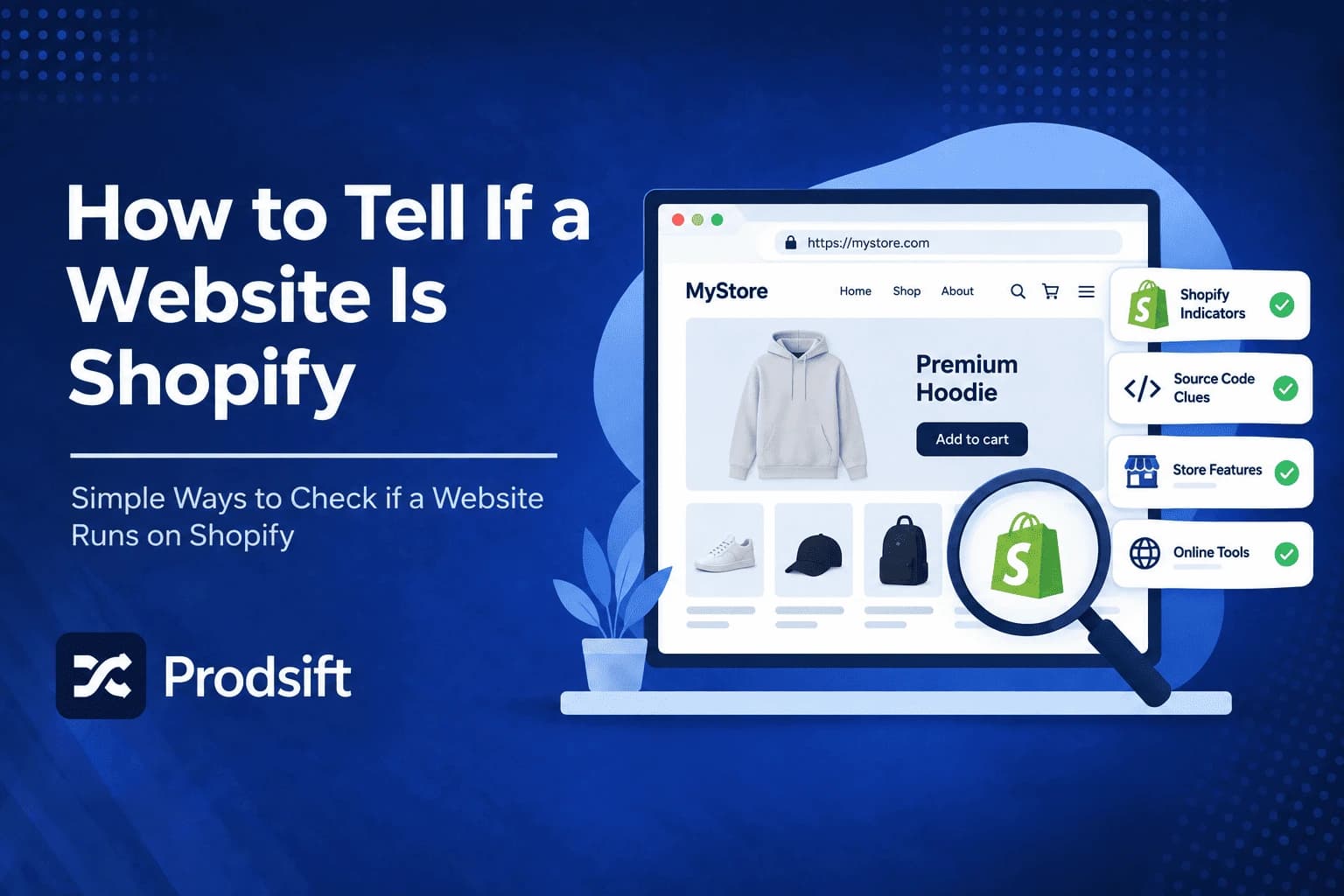
Most Shopify stores run on custom domains and custom themes, so you usually can't tell if a website is Shopify just by looking at it. The platform leaves clear fingerprints, though — in the page source, the checkout, and a handful of URLs every Shopify store shares. This guide covers seven ways to check, from a two-second tool to manual methods, plus how to handle stores that hide their platform.
📥 Quick answer: The fastest way to tell if a website is Shopify is to paste the URL into a free Shopify store checker. To check manually, open the page source and search for cdn.shopify.com, /cdn/shop/, or Shopify.shop — any of these confirms Shopify. You can also add /admin to the store's domain: on a Shopify store it redirects to a Shopify login page.
Key Takeaways
- Shopify stores almost always use custom domains, so the URL alone rarely tells you the platform
- The page source is the most reliable manual signal — Shopify asset paths and the Shopify JavaScript object appear on virtually every store
- A /admin URL that redirects to a Shopify login confirms the platform in seconds
- Headless Shopify stores with a custom frontend hide most signals, but the checkout still runs on Shopify
- A store checker is the quickest option and works without reading any code
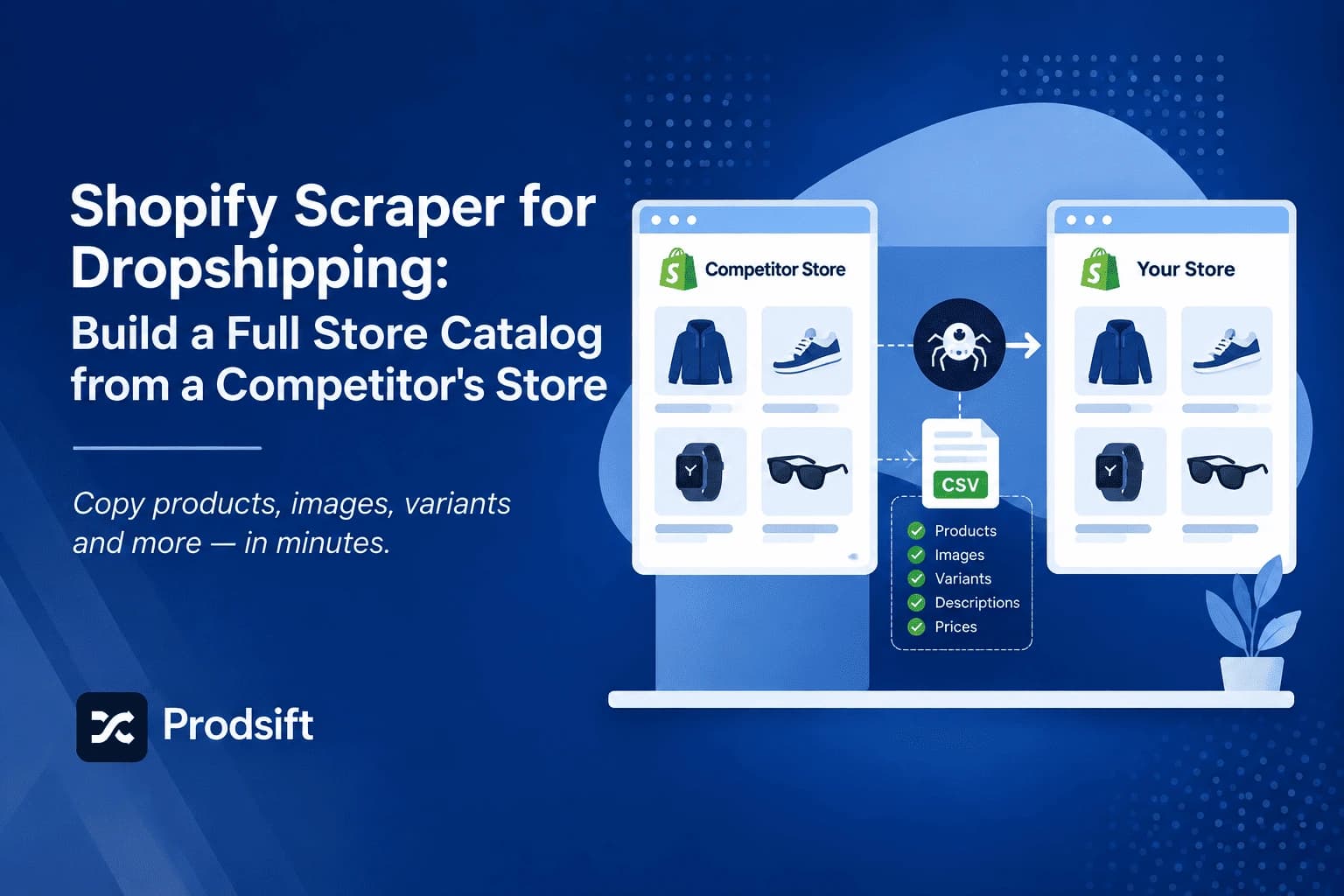
Knowing a store's platform before you do anything else saves time. It tells you whether a Shopify scraper will work, which CSV format a migration needs, and how a competitor has built their store.
Why check if a website is Shopify?
- Before scraping a catalog — scrapers are platform-specific, so confirming Shopify first tells you which tool will work. See how to scrape Shopify products.
- Competitor research — knowing a competitor runs Shopify tells you what apps, themes, and checkout they're working with.
- Dropshipping product research — most dropshipping stores run on Shopify, and confirming it tells you their catalog can be extracted and analysed.
- Planning a migration — the source platform decides the export format and the migration route.
- Sales prospecting — Shopify app developers, theme designers, and agencies use platform checks to build lists of stores to contact.
Method 1: Use a Shopify store checker
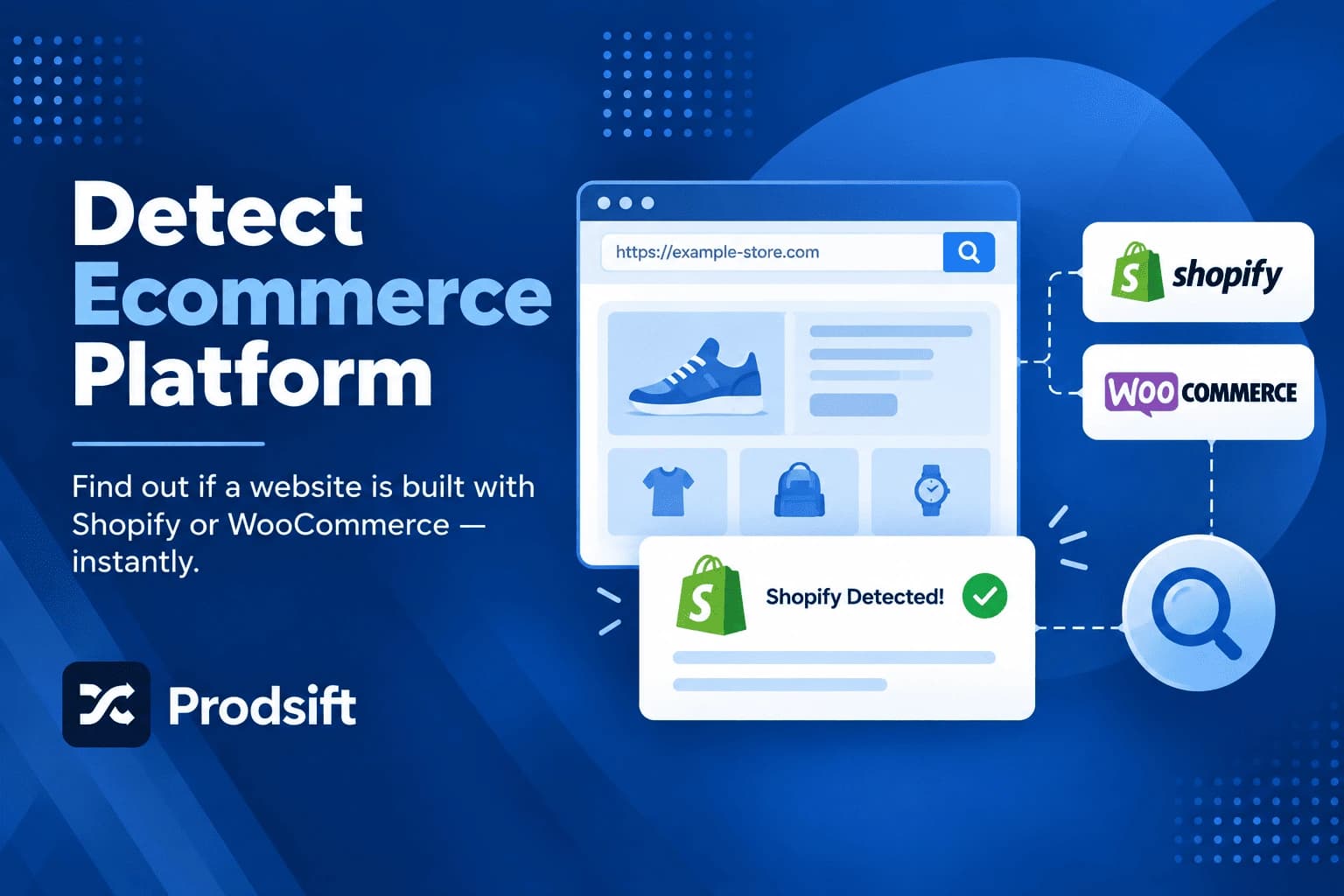
The quickest way to tell if a website is Shopify is a dedicated checker. Paste the URL into the Shopify store checker and it identifies the platform in a few seconds — no code, no page source, no browser extension.
- Copy the store URL — any page on the site works, not just the homepage.
- Paste it into the checker — and run the check.
- Read the result — the checker tells you whether the store runs Shopify or WooCommerce.
Best for: anyone who wants an answer in seconds, and anyone checking several stores in a row.
Method 2: Search the page source
This is the most reliable manual method, because Shopify's code appears on virtually every page of every standard Shopify store.
- Open the store in your browser.
- View the page source — right-click and choose View Page Source, or press Ctrl+U (Windows) or Cmd+Option+U (Mac).
- Search the source — press Ctrl+F or Cmd+F and search for each of these:
| Search for | What it means |
|---|---|
cdn.shopify.com | Assets served from Shopify's CDN |
/cdn/shop/ | Theme files served through Shopify's storefront path on the store's own domain |
Shopify.shop | Shopify's storefront JavaScript object, which usually includes the store's myshopify.com address |
Shopify.theme | The theme the store is running |
myshopify.com | The store's permanent Shopify address |
Any one of these confirms the store runs Shopify. Finding Shopify.theme has a bonus: it usually reveals the name of the theme, which is useful for competitor research.
Method 3: Try the /admin URL
Every Shopify store has an admin panel at the same path. Add /admin to the end of the store's domain — for example, examplestore.com/admin.
On a Shopify store, this redirects to a Shopify login page. On any other platform, you'll get a 404 page, the site's own login, or a login page for a different platform, such as the WordPress login for WooCommerce stores.
Best for: a fast manual check without reading any code.
Method 4: Check the checkout
Add any product to the cart and go to checkout — you don't need to enter any details. Shopify's checkout has a distinctive layout, and its URL typically contains /checkouts/. Many Shopify stores also offer a Shop Pay button, which is exclusive to Shopify.
This method is the one that still works on headless Shopify stores, because even stores with a fully custom frontend almost always hand the checkout off to Shopify.
Method 5: Look for "Powered by Shopify"
Many stores still show Powered by Shopify in the footer, and some leave the myshopify.com address visible in links or emails. It's worth a two-second glance, but it's the least reliable method on this list — most established stores remove the footer credit.
Method 6: Use a browser extension
Technology-detection extensions such as Wappalyzer and BuiltWith show the platform and the tools a site uses whenever you visit it. They're useful if you research stores daily, and they often reveal installed apps as well as the platform.
The trade-off is installing another extension with access to the pages you browse. For occasional checks, a web-based checker does the same job without it.
Method 7: Check the password page
Stores that haven't launched yet, or are temporarily closed, often show a password page with an "Opening soon" message and a password field. Shopify's password page has a recognisable standard layout and usually includes an Enter using password link — a strong sign the store is on Shopify even when nothing else is visible.
Comparison: which method should you use?
| Method | Speed | Needs code | Works on headless stores | Reliability |
|---|---|---|---|---|
| Shopify store checker | Seconds | No | Sometimes | High |
| Page source search | 1 minute | A little | No | High |
| /admin URL | Seconds | No | Sometimes | High |
| Checkout | 1–2 minutes | No | Yes | High |
| "Powered by Shopify" | Seconds | No | No | Low |
| Browser extension | Instant once installed | No | Sometimes | High |
| Password page | Seconds | No | Rarely applies | Medium |
Pro tip: If a check comes back negative, don't stop at one method. A store can remove its footer credit, block automated tools, or run a custom frontend — but it's very rare for a Shopify store to hide from the page source, /admin, and the checkout at the same time.
How to tell if a website is WooCommerce instead
If the Shopify checks come back negative, WooCommerce is the next most likely platform for an independent store. Search the page source for /wp-content/ or woocommerce — WooCommerce runs on WordPress, and both leave clear traces. Adding /wp-admin to the domain usually leads to a WordPress login page.
The store checker detects both platforms, and ProdSift can extract catalogs from either. For WooCommerce stores, see the WooCommerce scraper.
Confirmed it's Shopify? Extract the whole catalog
ProdSift's Shopify scraper pulls every product and variant from any public Shopify store into an import-ready CSV — no API key, no code. First 5 products free.
Try it freeCommon problems when checking a store's platform
🔧 The checker says it's not Shopify, but you think it is
The store may be headless — built on a custom frontend that only uses Shopify behind the scenes — in which case most page-level signals are missing. Go through the checkout (Method 4): headless stores almost always still use Shopify's checkout. The store may also sit behind bot protection that blocks automated checks while still loading normally in your browser. In that case, the page source method will still work.
🔧 The page source has no Shopify references
Check that you're viewing the source of the store itself, not a landing page or a link-in-bio page hosted somewhere else. Some brands run their main site on one platform and their store on a subdomain like shop.example.com — check that subdomain separately.
🔧 The store shows a password page
The store is either pre-launch or temporarily closed. You can usually confirm Shopify from the password page layout or its page source, but the catalog isn't publicly visible, so it can't be browsed or extracted until the store opens.
🔧 It's Shopify, but the Shopify scraper can't read it
Some Shopify stores use aggressive bot protection that blocks automated requests entirely, even though the site loads fine for visitors. No scraper gets past that reliably. See why your Shopify product export is failing for other causes of extraction problems.
Frequently asked questions
Paste the URL into a free Shopify store checker for an instant answer. To check manually, view the page source and search for cdn.shopify.com, /cdn/shop/, or Shopify.shop, or add /admin to the domain and see whether it redirects to a Shopify login page.
A Shopify store checker is a tool that identifies whether a website runs on Shopify from its URL alone. It checks the site for the technical signals Shopify stores share, so you get an answer in seconds without reading any code.
Partially. A store can remove the "Powered by Shopify" footer and use a custom domain, and a headless store can hide most page-level signals. But the checkout almost always still runs on Shopify, so a store can rarely hide the platform completely.
Every Shopify store gets a permanent address ending in myshopify.com when it's created, even if it later uses a custom domain. If a site's page source or links contain a myshopify.com address, the store runs on Shopify.
Yes. Checking a website's platform only reads information the site already sends to every visitor's browser. It doesn't access anything private or bypass any login.
View the page source and search for Shopify.theme. The theme's name usually appears right next to it. Note that stores frequently rename or customise their themes, so the name may not match the original theme in the Shopify Theme Store.
Search the page source. Shopify stores contain cdn.shopify.com or Shopify.shop, while WooCommerce stores contain /wp-content/ and woocommerce. A store checker identifies both platforms from the URL in seconds.
If you need its product data, you can extract the full catalog with a Shopify scraper. ProdSift pulls every product and variant from any public Shopify store and exports a CSV formatted for Shopify or WooCommerce.
Check the platform, then get the catalog
Identify any store's platform with the free store checker, then extract every product into an import-ready CSV with ProdSift. First 5 products free — no credit card.
Start extracting free