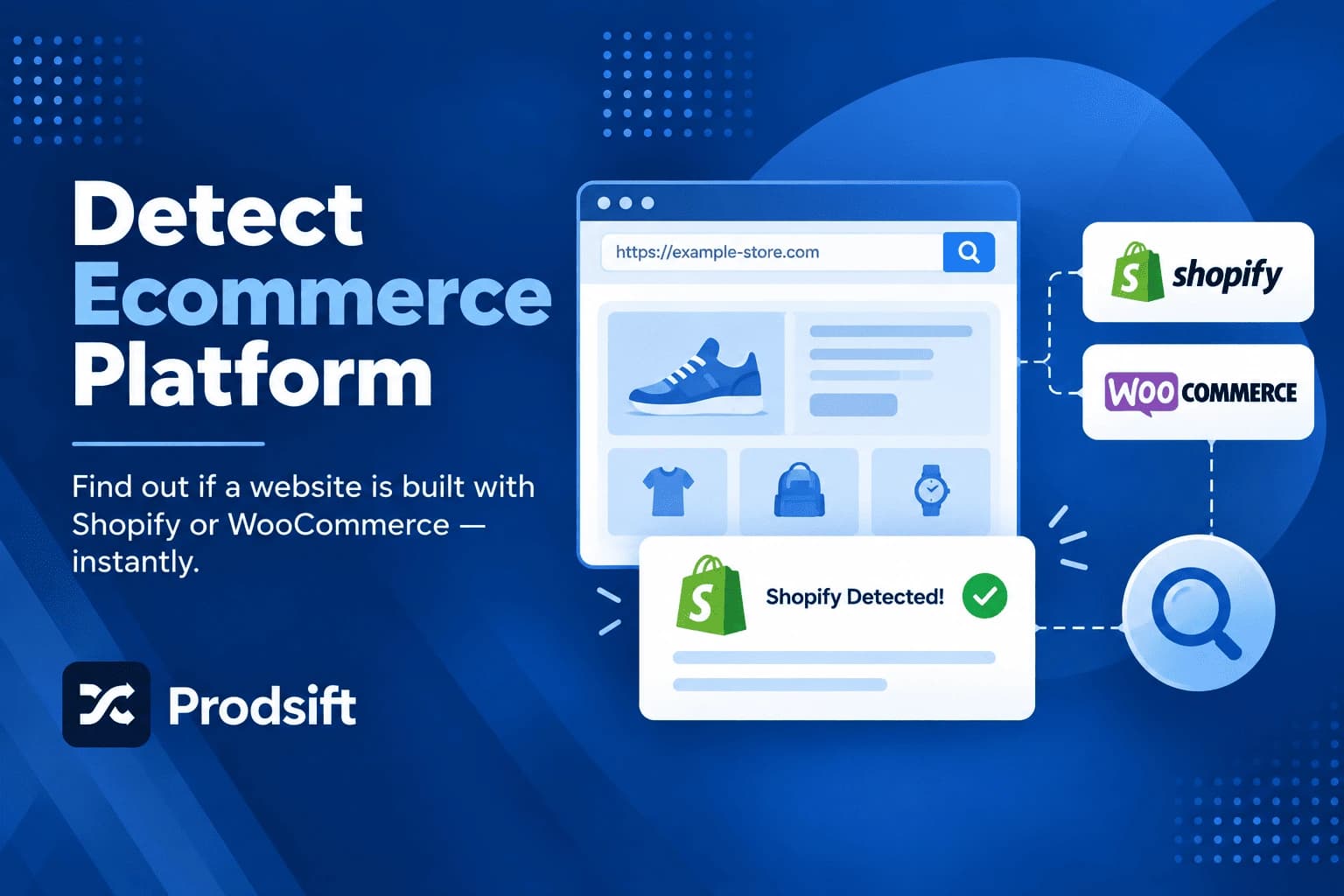
Most online stores don't advertise the software they run on. But every ecommerce platform leaves fingerprints — in file paths, page code, admin URLs, and the checkout — and once you know where to look, you can detect ecommerce platform fingerprints on any site in under a minute. This guide covers five methods, plus a reference table of the telltale signs for the ten most common platforms.
📥 Quick answer: To detect ecommerce platform details instantly, paste the URL into a free ecommerce platform detector for Shopify and WooCommerce stores. To check any platform manually, view the page source (Ctrl+U or Cmd+Option+U) and search for platform names or asset domains like cdn.shopify.com, wp-content, or bigcommerce.com, or look for a meta generator tag near the top of the source.
Key Takeaways
- Every ecommerce platform leaves identifiable traces in a site's page source, file paths, and checkout
- The meta generator tag names the platform outright on many WordPress, WooCommerce, and site-builder stores
- Admin URLs like /admin and /wp-admin confirm Shopify and WordPress-based stores in seconds
- Headless and heavily customised stores hide most signals, but the checkout usually still gives the platform away
- Shopify and WooCommerce together run a large share of independent online stores, so check for them first
Knowing a store's platform tells you more than you'd expect: what the store can and can't do, which apps and integrations it likely uses, how its catalog can be exported, and what a migration off it would involve.
Why find out what ecommerce platform a website uses?
- Competitor research — a competitor's platform reveals their likely tech stack, costs, and the features available to them.
- Extracting a product catalog — scrapers and export tools are platform-specific, so the platform decides which tool will work.
- Planning a migration — if you're moving a client's store or buying an existing business, the source platform determines the migration route and cost.
- Sales prospecting — agencies, app developers, and freelancers build prospect lists of stores on the platforms they specialise in.
- Choosing your own platform — seeing what the stores you admire run on is a practical input when choosing a platform yourself.
Method 1: Use an ecommerce platform detector
The fastest way to detect ecommerce platform details is a detector tool. The free store checker identifies Shopify and WooCommerce stores from the URL alone — paste it in, and you get an answer in seconds.
For other platforms, browser extensions like Wappalyzer and BuiltWith detect a much wider range of technologies, including the platform, analytics, and installed apps, whenever you visit a site.
Best for: fast answers, and checking many stores in a row.
Method 2: Search the page source
Every platform loads its files from recognisable paths or domains, and those appear in the page's HTML.
- Open the store in your browser.
- View the page source — right-click and choose View Page Source, or press Ctrl+U (Windows) or Cmd+Option+U (Mac).
- Search the source with Ctrl+F or Cmd+F for the signals in the reference table below.
This is the most reliable manual method because platforms can't easily hide the paths their own files load from.
Method 3: Check the meta generator tag
Many platforms add a tag that names them directly. In the page source, search for generator. You're looking for a line like:
<meta name="generator" content="WooCommerce 9.3">
WordPress, WooCommerce, Wix, Squarespace, and several other platforms output this tag by default. It's the quickest confirmation when it's there — but site owners can remove it, so its absence proves nothing.
Method 4: Try the admin URL
Several platforms serve their admin panel at a fixed path. Add each of these to the store's domain:
| Try this | Leads to | Platform |
|---|---|---|
| /admin | A Shopify login page | Shopify |
| /wp-admin | A WordPress login page | WooCommerce (WordPress) |
| /admin | An admin login on some other platforms | Varies — check the page branding |
A redirect to a branded login page is conclusive. A 404 just means that platform is unlikely — move on to the next check.
Method 5: Look at the checkout
Add a product to the cart and go to checkout — you don't need to enter any details. Checkouts are the hardest part of a store to customise, so they're often the clearest signal. Shopify's checkout has a distinctive layout and offers Shop Pay; Salesforce Commerce Cloud stores often show demandware in checkout URLs.
This is also the method that works best on headless stores — sites with a custom-built frontend that use an ecommerce platform only behind the scenes. The frontend hides the platform, but the checkout usually runs on it.
How to detect ecommerce platform fingerprints: reference table
Search the page source for these signals:
| Platform | Look for in the page source | Other quick signals |
|---|---|---|
| Shopify | cdn.shopify.com, /cdn/shop/, Shopify.shop | /admin redirects to a Shopify login; Shop Pay at checkout |
| WooCommerce | /wp-content/plugins/woocommerce/, woocommerce | /wp-admin shows a WordPress login; WooCommerce generator tag |
| BigCommerce | bigcommerce.com asset URLs, stencil | Checkout on the store's /checkout path with BigCommerce styling |
| Magento / Adobe Commerce | Magento_, mage/, /static/version | Very long, versioned static file URLs |
| Wix | static.wixstatic.com, wix.com | Generator tag names Wix |
| Squarespace | static1.squarespace.com, squarespace | Generator tag or source comments name Squarespace |
| PrestaShop | prestashop | Generator tag names PrestaShop on many stores |
| Salesforce Commerce Cloud | demandware | demandware in URLs, especially at checkout |
| Webflow | website-files.com, data-wf-site | Webflow attributes on the html tag |
| Ecwid | app.ecwid.com | Store embedded inside another site builder |
Pro tip: Search for several signals, not one. A single match can be misleading — for example, a WordPress blog that embeds a Shopify Buy Button contains both wp-content and Shopify code. The platform that powers the product pages and checkout is the one that matters.
How to tell if a website is Shopify or WooCommerce
These two platforms power a large share of independent stores, so they're worth checking first. For Shopify, search the source for cdn.shopify.com or Shopify.shop, or try /admin. For WooCommerce, search for wp-content and woocommerce, or try /wp-admin.
For every Shopify-specific method, including stores that hide the platform, see how to tell if a website is Shopify.
Found a Shopify or WooCommerce store?
ProdSift extracts the full product catalog from any public Shopify or WooCommerce store into an import-ready CSV — no API key, no code. First 5 products free.
Try it freeWhen you can't identify the platform
🔧 The source shows no platform signals at all
The store may be headless — a custom frontend built with a framework like Next.js, using an ecommerce platform only through its API. Check the checkout (Method 5), which is usually still served by the platform. Also check whether the shop lives on a subdomain like shop.example.com, separate from the main site.
🔧 The source shows signals from two platforms
The site probably combines tools: a WordPress site with an embedded Shopify Buy Button, for example, or a marketing site on one builder linking to a store on another. Identify which platform serves the product pages and the checkout — that's the store's real platform.
🔧 The detector can't reach the site
Some stores use bot protection that blocks automated tools while still loading normally in a browser. The manual methods above still work in that case, because you're viewing the site as a regular visitor.
🔧 It's a custom-built platform
Large retailers sometimes run fully custom ecommerce systems. If none of the fingerprints match, the admin URLs return nothing, and the checkout is unbranded, the store is likely custom — and its catalog won't be extractable with platform-specific tools.
Frequently asked questions
How do I detect ecommerce platform details for a website?
Use an ecommerce platform detector for an instant answer, or check manually: view the page source and search for platform names and asset domains, look for a meta generator tag, try admin URLs like /admin or /wp-admin, or check the checkout page.
What is an ecommerce platform detector?
An ecommerce platform detector is a tool that identifies the software a store runs on from its URL. It checks the site for the technical fingerprints each platform leaves, so you get an answer without reading any code.
Can a website hide its ecommerce platform?
Partially. A store can remove the generator tag, use a custom domain, and hide platform credits in the footer. Headless stores hide most frontend signals. But file paths, admin URLs, and especially the checkout rarely hide the platform completely.
Is it legal to check what platform a website uses?
Yes. Identifying a site's platform only reads information the site already sends to every visitor's browser. It doesn't access anything private or bypass any login.
What is the most common ecommerce platform?
Shopify and WooCommerce are the two most widely used platforms for independent online stores, which is why they're the first two to check. Large enterprise retailers more often use Adobe Commerce, Salesforce Commerce Cloud, or custom systems.
How do I find out what apps or plugins a store uses?
Browser extensions like Wappalyzer and BuiltWith detect many common apps and plugins alongside the platform. Searching the page source for app names or their script domains also reveals many of them.
What if a store uses a headless setup?
Headless stores use a custom frontend on top of an ecommerce platform's backend. Most page-level signals are missing, but the checkout is usually still run by the platform, so going through checkout is the most reliable way to identify it.
Identify the platform, then get the catalog
Check any store with the free store checker, then extract every product from Shopify and WooCommerce stores into an import-ready CSV. First 5 products free — no credit card.
Start extracting free