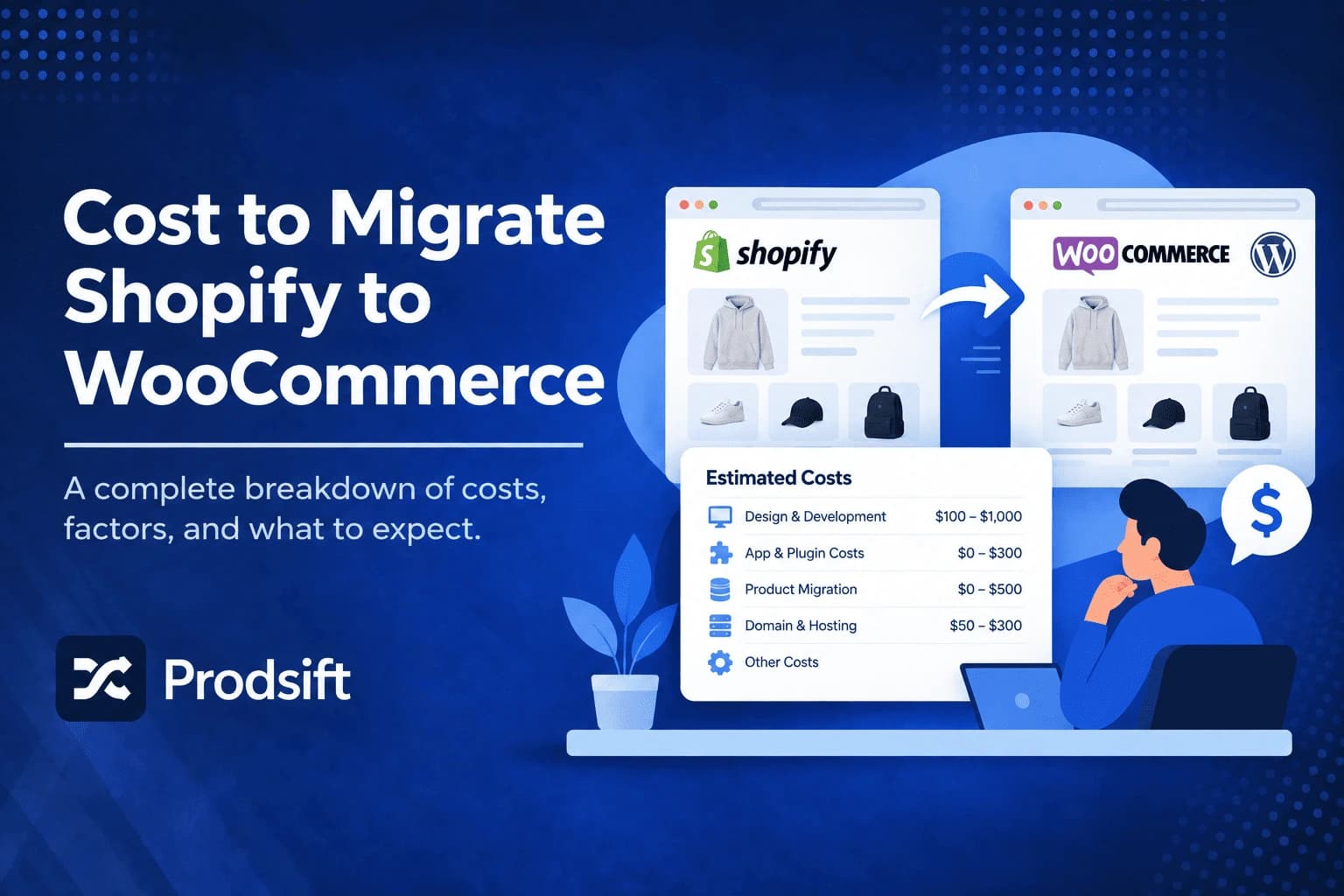
The cost to migrate to WooCommerce depends far less on the platform than on two decisions: how much data you're moving, and who does the moving. A 50-product store moving only its catalog can migrate for the price of a month of hosting. A store with thousands of orders, custom apps, and years of SEO to protect can run into thousands of dollars. This guide breaks down every cost — one-time and ongoing — so you can price your own migration before you start.
📥 Quick answer: The cost to migrate to WooCommerce from Shopify is typically $0–$100 if you move products yourself by CSV, $30–$500 with an automated migration tool, and $500–$5,000+ with a freelancer or agency. On top of the move, expect $15–$60 a month in ongoing WooCommerce costs for hosting, a domain, and paid extensions for a small to mid-sized store.
Key Takeaways
- The migration method is the biggest cost driver — DIY, automated tool, and done-for-you service differ by 10x or more
- Automated migration tools price by volume, so customers and orders cost far more to move than products
- WooCommerce itself is free, but hosting, premium extensions, and security are ongoing costs Shopify used to bundle
- Hidden costs — lost SEO rankings, customer password resets, and rebuilding app features — often exceed the migration fee itself
- If you only need to move your product catalog, it's the cheapest part of any migration to do yourself
Before comparing prices, it helps to split the migration into what actually has to move. Most price confusion comes from comparing a products-only quote against a full-store quote.
What does a Shopify to WooCommerce migration include?
A full migration moves up to five kinds of data, and each one adds cost:
| Data type | What it includes | Cost impact |
|---|---|---|
| Products | Titles, descriptions, prices, variants, SKUs, images, stock | Low — the easiest data to move |
| Categories | Product types, collections, tags | Low |
| Customers | Names, emails, addresses | Medium — priced per record by tools |
| Orders | Order history, line items, statuses | High — usually the largest record count |
| Content and SEO | Pages, blog posts, URL redirects | Medium to high — needs manual checking |
Many stores don't need all five. A new owner who's rebuilding, a brand relaunching, or a merchant who's happy to keep old order history in a Shopify export can move products only — which changes the price dramatically.
Shopify to WooCommerce migration cost by method
Method 1: DIY with CSV files — $0 to $100
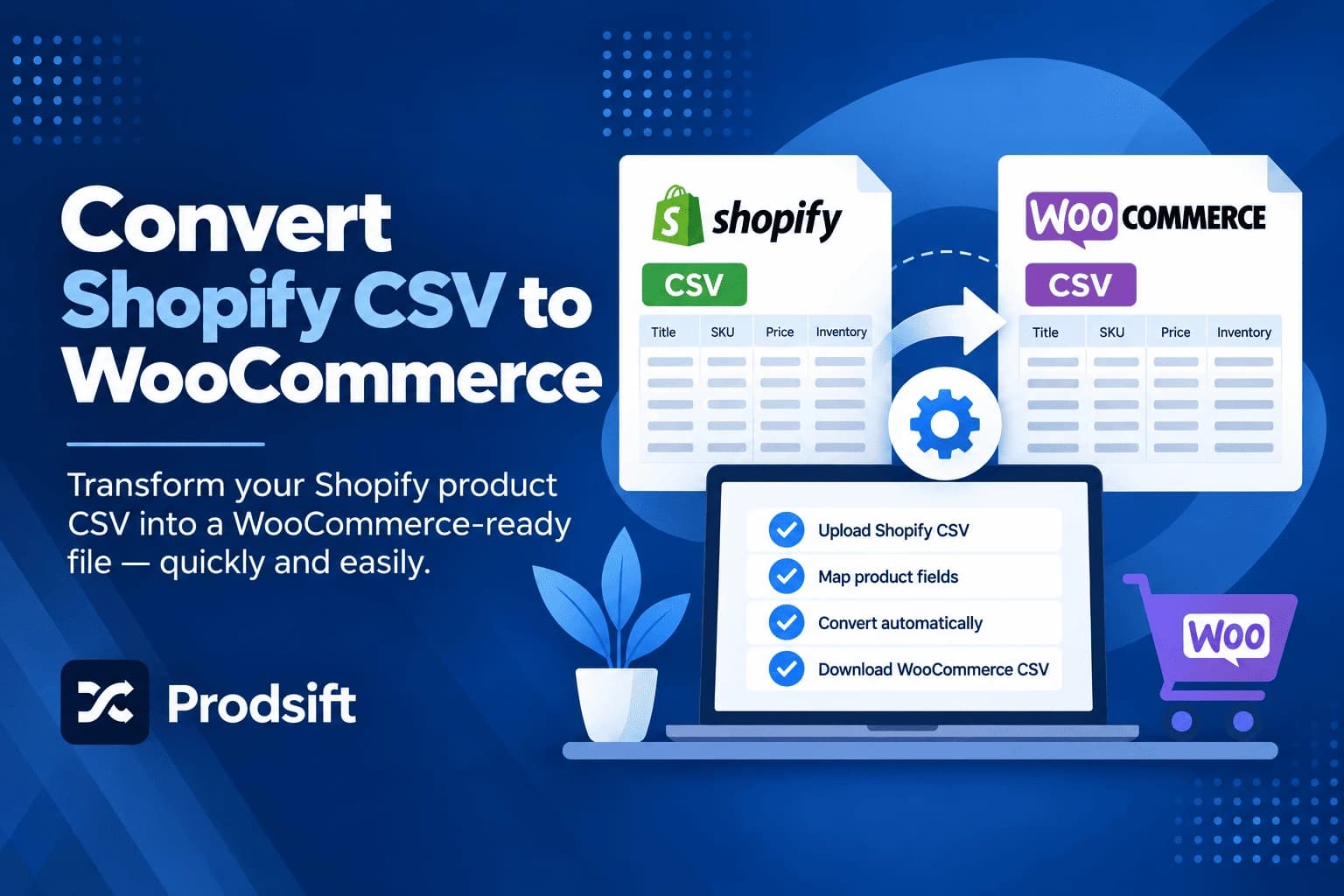
The cheapest route. Export your products from Shopify, convert the CSV to WooCommerce's format, and import it through WooCommerce → Products → Import.
The tool cost is close to zero. The real cost is time: converting a Shopify CSV by hand means remapping every column and rebuilding the variant structure, because WooCommerce expects a parent row followed by separate variation rows. For a catalog with variants, budget several hours, and more if you hit errors on import.
A catalog export tool — such as a Shopify scraper — that outputs WooCommerce format directly removes the remapping step. ProdSift's Shopify scraper, for example, exports a Shopify store straight to a WooCommerce CSV — one month of Pro costs $25.99, and the free plan lets you test the import with 5 products first.
Best for: products-only migrations, small catalogs, and anyone comfortable with spreadsheets.
Method 2: Automated migration tools — $30 to $500
Tools like Cart2Cart and LitExtension connect to both stores and move data automatically, including customers and orders. Both price by volume: the more products, customers, and orders you move, the higher the fee. Entry prices start at around $29 to $59 for small stores, and options like SEO URL preservation or 301 redirects are usually paid add-ons.
Both offer a free demo migration of a small sample, which is worth running before paying — it shows exactly how your variants and categories will land in WooCommerce.
Best for: stores that need customers and orders moved, without hiring anyone.
Method 3: Freelancer or agency — $500 to $5,000+
A developer or agency handles the full migration: data transfer, theme setup, redirects, testing, and fixing whatever breaks. Some migration tool companies also sell expert-led services, with prices starting in the low hundreds for simple stores.
Freelance quotes for a small store typically land in the hundreds of dollars. Stores with custom functionality, large order histories, or a theme rebuild commonly pay several thousand. Get at least two quotes, and ask each one exactly which data types are included.
Best for: larger stores, stores with custom apps or features, and owners who'd rather pay than spend the time.
Migration cost comparison by store size
These are typical ranges for the migration itself, not ongoing costs:
| Store size | DIY with CSV | Automated tool | Freelancer or agency |
|---|---|---|---|
| Small — under 100 products, few orders | $0–$30 | $30–$100 | $300–$800 |
| Medium — 100–1,000 products, some order history | $0–$50 | $100–$300 | $800–$2,500 |
| Large — 1,000+ products, large order history | $0–$100 | $300–$500+ | $2,500–$5,000+ |
Pro tip: The DIY column assumes products only. The moment you need customers and orders moved with their relationships intact, CSV stops being practical and an automated tool or a professional becomes the realistic floor.
Ongoing costs after you migrate to WooCommerce
WooCommerce is free software, but running it isn't. Shopify bundles hosting, security, and updates into your plan fee. On WooCommerce, you pay for each separately:
| Cost | Typical range | Notes |
|---|---|---|
| Hosting | $10–$50 per month | Managed WordPress hosting for a small to mid-sized store |
| Domain | $10–$20 per year | Transfer your existing domain from Shopify |
| Theme | $0–$100 one-time or yearly | Many good free themes exist |
| Paid extensions | $0–$300 per year each | Subscriptions, bookings, advanced shipping |
| Security and backups | $0–$100 per year | Often included with managed hosting |
| Payment processing | Around 2.9% + 30¢ per transaction | Varies by gateway and country |
A small store can run on $15 to $30 a month. A mid-sized store with several premium extensions typically sits around $40 to $60 a month. Compare that against your current Shopify plan plus the apps you pay for — that comparison, not the one-time migration fee, usually decides whether the move saves money.
Hidden costs of migrating to WooCommerce
These rarely appear on a quote, and they're often larger than the migration fee:
- Lost SEO rankings. Shopify URLs like /products/classic-tee and /collections/shirts won't exist on WooCommerce by default. Without 301 redirects from every old URL to its new one, you lose the rankings those pages earned.
- Customer password resets. Customer accounts moved by CSV can't bring their passwords with them, so every customer has to reset theirs. Some paid migration tools offer password migration as an option.
- Rebuilding app features. Reviews, upsells, loyalty programs, and subscriptions from Shopify apps don't transfer. Each needs a WooCommerce extension, often with its own fee and its own data migration.
- Theme rebuild. Your Shopify theme can't be moved. Budget time or money to recreate the design in WordPress.
- Your own time. Testing checkout, fixing broken variants, and re-checking images takes days, even when a tool moves the data.
⚠️ Critical: Set up 301 redirects before you point your domain at the new WooCommerce store, not after. Every day old URLs return 404s, search engines drop more of your pages.
WooCommerce to Shopify migration cost
Moving the other way costs about the same for the migration itself — the same tools, freelancer rates, and CSV route apply in reverse. The difference is in the ongoing costs: you swap hosting, extension, and security costs for a Shopify plan fee plus any paid Shopify apps.
The CSV route has the same catch in reverse, too. A WooCommerce export won't import into Shopify without remapping, because Shopify groups variants under a shared Handle rather than parent and variation rows. See the WooCommerce to Shopify migration guide for the full process.
Move your catalog for the price of one month
ProdSift's Shopify scraper exports any Shopify store straight to a WooCommerce-ready CSV — variants, images, prices and all. No remapping. Test with 5 products free.
Try it freeHow to lower the cost of migrating to WooCommerce
- Decide what really needs to move — if you can keep old order history in a Shopify export for reference, a products-only migration costs a fraction of a full one.
- Clean up before you migrate — delete discontinued products, duplicate listings, and test orders. Automated tools charge per record, so every deleted record is money saved.
- Run the free demo first — both major migration tools offer one. It catches mapping problems before you pay for the full transfer.
- Move the catalog yourself — even if you pay for customers and orders to be migrated, the product catalog is the easiest part to handle yourself with a WooCommerce-formatted CSV.
- Start on modest hosting — you can upgrade later. Many stores overpay for hosting built for traffic they don't have yet.
For the step-by-step process itself, see the Shopify to WooCommerce migration guide. For how to pull the catalog out of Shopify in the first place with a Shopify scraper, see how to scrape Shopify products.
Frequently asked questions
It depends on the method. Moving products yourself by CSV costs close to nothing beyond your time. Automated migration tools typically cost $30 to $500 depending on how many products, customers, and orders you move. A freelancer or agency usually charges $500 to $5,000 or more, depending on store size and complexity.
Often, but not always. WooCommerce itself is free, so a small store can run for $15 to $30 a month in hosting and a domain. Once you add several premium extensions, the monthly total can approach or exceed a Shopify plan. Compare your total monthly costs, including apps, on both platforms before deciding.
The product catalog, yes. You can export products from Shopify and import them into WooCommerce with the built-in importer at no cost, as long as you convert the CSV to WooCommerce's format. Moving customers and orders with their relationships intact generally requires a paid tool.
An automated tool moves the data itself in hours. The full migration — setting up hosting, the theme, redirects, and testing checkout — typically takes a few days to two weeks for a small store, and longer for large or custom stores.
Not if you set up 301 redirects. Shopify and WooCommerce use different URL structures, so each old product and collection URL needs to redirect to its new WooCommerce URL. Without redirects, you lose the rankings those pages had.
Not with a CSV migration. Customers moved by CSV need to reset their passwords. Some paid migration tools offer password migration as an extra option.
Export the catalog as a WooCommerce-formatted CSV and import it with WooCommerce's built-in product importer. A Shopify scraper like ProdSift exports a Shopify store directly in WooCommerce format, which skips the manual column remapping — the step where most DIY migrations go wrong.
No. Migration quotes cover moving your data. Hosting, a domain, themes, and extensions are separate ongoing costs you'll pay on WooCommerce, whichever migration method you use.
Price your migration with a free test
Export 5 products from any Shopify store into a WooCommerce-ready CSV and import them into your new store — free, no credit card. See exactly how your catalog lands before you spend anything.
Start extracting free