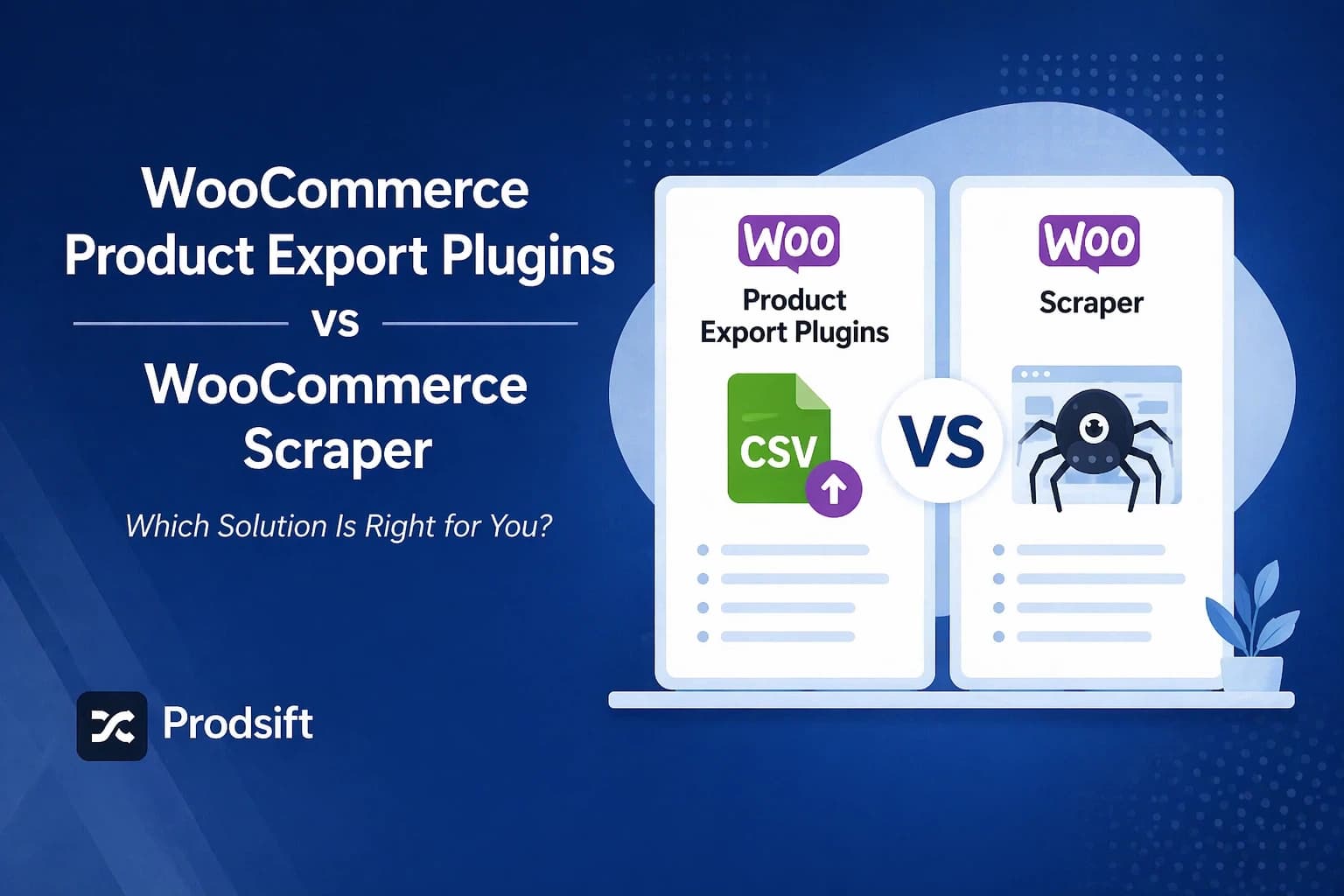
WooCommerce export plugins and WooCommerce scrapers sound like they do the same thing — but they solve completely different problems. Export plugins work on stores you own and manage. Scrapers extract product data from stores you don't have backend access to. This guide breaks down the top tools in both categories and tells you exactly which one fits your situation.
Key Takeaways
- A WooCommerce product export plugin works on stores you own and have admin access to — it cannot extract from third-party stores
- WooCommerce scrapers extract product data from any public store URL without admin credentials — essential for competitor research, supplier catalogs, and migrating stores you don't manage
- Browser extension scrapers are free but fragile — they break when store layouts change and can't handle large catalogs reliably
- WordPress scraper plugins install into the destination store and pull products from source store URLs — useful for dropshipping but limited to WooCommerce-to-WooCommerce flows
- ProdSift works on both Shopify and WooCommerce stores, requires no installation, and outputs a clean import-ready CSV in seconds
Search for "WooCommerce product export" and you'll find two completely different categories of tools marketed with nearly identical language. Export plugins. Scrapers. Product extractors. They all promise to get your WooCommerce products into a CSV — but they work in fundamentally different ways, for fundamentally different situations.
Using the wrong tool for your use case means either paying for features you don't need, or hitting a hard wall when the tool can't do what you assumed it could. This guide draws a clear line between the two categories, walks through the best tools in each, and tells you exactly which one to reach for based on what you're actually trying to accomplish.
The core difference: export plugins vs scrapers
Quick answer: A WooCommerce product export plugin is a WordPress plugin installed in your store that exports your own product data directly from your database. It requires admin access and only works on stores you control. A WooCommerce scraper extracts product data from any publicly accessible WooCommerce store by URL — no admin access, no plugin installation on the source store required.
The distinction matters because it determines what you can actually do with each tool:
| Export plugin | Scraper tool | |
|---|---|---|
| Admin access required | ✓ Yes | ✗ No |
| Works on stores you don't own | ✗ No | ✓ Yes |
| Installed in WordPress | ✓ Yes | ✗ No (usually) |
| Export own store's full data | ✓ Yes | Public data only |
| Includes orders, customers, coupons | ✓ Yes (paid tiers) | ✗ No |
| Includes metafields | ✓ Yes (advanced tools) | Core fields only |
| Scheduled / automated exports | ✓ Yes (paid tiers) | ✗ Manual |
| Best for | Managing your own store data | Competitor research, migration, dropshipping |
When you need a WooCommerce product export plugin
A WooCommerce product export plugin is the right tool when you have full admin access to the store and need to do one of the following:
- Scheduled or automated exports — you need to export product data, orders, or inventory on a recurring schedule. The native WooCommerce exporter has no scheduling. Dedicated export plugins do.
- Exporting non-product data — you need orders, customers, coupons, subscriptions, or reviews, not just products. The native exporter only covers products.
- Custom field and metafield data — your products have custom meta fields from plugins or bespoke development. The standard WooCommerce export omits most metafield data; advanced export plugins can include it.
- Generating product feeds for external channels — you need a Google Shopping feed, Facebook catalog, or price comparison feed. The more capable plugins support custom output formats and field mapping.
- Bulk editing at scale — you're doing large-scale price changes or category restructuring across hundreds of products and want a reliable export → edit → re-import round trip on your own store.
Top WooCommerce export plugins compared
These are the most widely used WordPress-based export plugins for WooCommerce stores, along with their key strengths and limitations.
WP All Export
WP All Export is widely considered the most capable WooCommerce export plugin available. It offers a drag-and-drop field selector, supports XML and CSV output, handles custom fields and metafields, and integrates with Advanced Custom Fields, WPML, and dozens of other plugins. Paired with its companion WP All Import, it covers the full import/export lifecycle.
Strengths
- Drag-and-drop field builder — export exactly what you need
- Supports custom fields, metafields, and ACF
- Scheduled exports via WordPress Cron
- XML, CSV, and Excel output formats
- WooCommerce-specific add-on for orders, customers, subscriptions
Limitations
- Requires admin access — only works on your own store
- WooCommerce add-on is an extra paid purchase
- Learning curve for advanced field mapping
- Overkill for simple one-time exports
Pricing sits at the premium end of the plugin market, with a free tier for basic exports and the WooCommerce add-on sold separately.
WebToffee Import Export
WebToffee's Import Export Suite covers products, orders, customers, coupons, and subscriptions in a single plugin. It offers a quick export mode for one-click CSV generation and an advanced mode for column mapping and filtering. It supports CSV, XML, Excel, and JSON formats, and includes scheduling via WordPress Cron or server cron.
Strengths
- Single plugin covers all WooCommerce data types
- Quick export mode for instant one-click CSV
- Scheduling support (daily, weekly, monthly, custom)
- CSV, XML, Excel, and JSON output
- Very large install base and an active support community
Limitations
- Limited compatibility with some custom field frameworks
- Cannot modify data on the fly during export
- Variable products require the Pro tier
- Admin access required — can't extract third-party stores
A free product-only version is available on WordPress.org, with paid tiers for the full suite.
WooCommerce native exporter
Every WooCommerce installation includes a built-in product exporter under WooCommerce → Products → Export. It covers all standard product fields, supports category and product type filtering, and requires no additional plugin. For straightforward exports and re-imports on the same platform, it's often all you need.
Strengths
- Free — no plugin needed
- Included in every WooCommerce install since v3.1
- Supports all standard product types and fields
- Filter by category, product type, and status
Limitations
- No scheduling or automation
- No metafield or custom field export
- Products only — no orders, customers, or coupons
- Can time out on very large catalogs on shared hosting
See our full guide on how to export WooCommerce products to CSV for step-by-step instructions.
When you need a WooCommerce scraper
A WooCommerce scraper is the right tool when you don't have — or don't want to use — admin access to the source store. The four main situations where scrapers are the only option:
- Competitor research — you want to pull a competitor's product catalog into a spreadsheet for analysis. No competitor is going to hand you their WordPress admin credentials.
- Supplier catalog extraction — your dropshipping supplier runs a WooCommerce store and you want their full catalog to populate your own store, without copying products one by one.
- Migrating a client store you haven't been granted access to yet — a client wants to migrate to a new store you're building, but hasn't set you up with admin access. A scraper lets you extract the catalog from the public-facing store immediately.
- Building a store from a reference store — you're building a franchise or white-label store that should mirror another catalog. Extract the reference catalog and import it as a starting point.
Top WooCommerce scraper tools compared
There are three main categories of scraper tool for WooCommerce. Each has a different architecture, different reliability profile, and different limitations.
Browser extension scrapers
Chrome extensions let you browse to a store, click the extension, and export visible products to CSV. They work by reading the page and the store's public product data — no backend access needed.
Strengths
- Free or low cost
- No account, no setup — install and go
- Works on any WooCommerce store
- Data processed locally
Limitations
- Fragile — break when store themes or WooCommerce updates change page structure
- Inconsistent on large catalogs — may miss products or paginate incorrectly
- Output quality varies widely by extension
- Only available in Chrome / Chromium browsers
- Rarely handle both Shopify and WooCommerce stores
WordPress scraper plugins
These install directly into your WordPress/WooCommerce store. You provide the source store URL, and the plugin fetches and imports products directly — without a CSV intermediary. They're designed specifically for the WooCommerce-to-WooCommerce dropshipping or reseller workflow.
Strengths
- Import directly into your WooCommerce store — no CSV handling
- Can select individual products or entire categories
- Good for ongoing dropshipping from a consistent supplier
- Usually one-time purchase pricing
Limitations
- Only works WooCommerce → WooCommerce (can't import to Shopify)
- Requires a WordPress install on the destination
- Another plugin to install, manage, and keep updated
- Support and update frequency varies by vendor
- Doesn't work on Shopify source stores
General-purpose web scrapers
General-purpose scraping platforms can technically scrape any website, including WooCommerce stores. They require you to build custom scraping templates that define which elements to extract from each page. Powerful but significantly more complex to set up, and the output often needs further cleaning before it's usable.
Strengths
- Works on any website — not limited to WooCommerce
- Highly customisable extraction logic
- Can handle pagination and dynamic content
Limitations
- Requires significant setup per store — not a one-click solution
- Output is raw and typically needs column remapping
- Expensive for infrequent single-store use cases
- Overkill for a straightforward WooCommerce catalog extraction
ProdSift: the purpose-built extraction tool
ProdSift sits in a different category from both export plugins and generic scrapers. It's a purpose-built product catalog extraction tool designed specifically for Shopify and WooCommerce stores — with no plugin to install, no browser extension to configure, and no scraping template to build.
You paste a store URL. ProdSift extracts the complete product catalog — titles, descriptions, prices, variants, images, SKUs, inventory — and delivers a clean CSV. The output is pre-formatted for WooCommerce or Shopify import, so you can go from URL to import-ready file without touching a spreadsheet.
- Works on both Shopify and WooCommerce — most scraper tools only handle WooCommerce. ProdSift extracts from both platforms equally.
- No installation required — no plugin on the source or destination store, no Chrome extension. Just a URL.
- Import-ready output — correct column names, correct variant structure, images included.
- Handles stores you don't own — any publicly accessible WooCommerce or Shopify store: competitor catalogs, supplier stores, reference stores.
Extract any WooCommerce catalog — no plugin, no admin access
Paste a store URL and get a clean, import-ready CSV in seconds. First 5 products free — no credit card.
Try it freeFull comparison: all tools side by side
Here's every tool category mapped across the dimensions that matter for store owners and builders:
| Export plugin (premium) | Export plugin (all-in-one) | Browser ext. | WP scraper plugin | ProdSift | |
|---|---|---|---|---|---|
| Works without admin access | ✗ | ✗ | ✓ | ✓ | ✓ |
| Works on Shopify stores | ✗ | ✗ | Partially | ✗ | ✓ |
| Works on WooCommerce stores | ✓ Own only | ✓ Own only | ✓ | ✓ | ✓ |
| No installation needed | ✗ | ✗ | ✗ (extension) | ✗ (plugin) | ✓ |
| Import-ready CSV output | ✓ | ✓ | Varies | Direct import | ✓ |
| Scheduling / automation | ✓ | ✓ | ✗ | Partial | ✗ |
| Metafield support | ✓ | Partial | ✗ | ✗ | Core fields |
| Orders, customers, coupons | ✓ | ✓ | ✗ | ✗ | ✗ |
| Best for | Power users, automation | All-in-one store management | Quick one-off scrapes | WooCommerce dropshipping | Migration, research, building |
Which tool should you use?
The right choice follows directly from what you're trying to do.
Use a premium export plugin if…
- You need scheduled, automated exports from your own store
- Your products have custom metafields you need included in the export
- You need to export orders, customers, or subscriptions — not just products
- You need custom output formats for Google Shopping or other external feeds
Use an all-in-one export suite if…
- You want a single plugin covering all WooCommerce data types
- You need scheduled exports without deep custom-field compatibility
- You're on a tighter budget than the premium tools require
Use ProdSift if…
- You need to extract from a store you don't own — competitor, supplier, or client pre-access
- You're migrating from WooCommerce to Shopify (or vice versa) and need a pre-formatted CSV
- You're building a WooCommerce store from an existing catalog and want the fastest path
- You want zero installation — no WordPress plugin, no Chrome extension
- You're working with both Shopify and WooCommerce stores regularly
Use a browser extension scraper if…
- You need a quick, free one-off extraction from a small store
- You're comfortable with inconsistent output that may need cleaning
- The store is small enough that missed products won't be a problem
🛡️ A note on legality: Extracting publicly visible product data from any website is generally permissible, but you should always review the source store's terms of service and applicable laws in your region before using extracted data commercially. ProdSift is designed for legitimate use cases: store migration, competitor research, supplier catalog management, and store building.
Frequently asked questions
What is the difference between a WooCommerce export plugin and a WooCommerce scraper?
A WooCommerce product export plugin is installed in your WordPress admin and exports data from your own store's database — it requires admin access and only works on stores you manage. A WooCommerce scraper extracts product data from any publicly accessible WooCommerce store by URL, without requiring admin credentials or any plugin installation on the source store.
Can I export products from a WooCommerce store I don't own?
Not with standard export plugins — those require admin access. To extract products from a WooCommerce store you don't own, you need a scraper tool. ProdSift is purpose-built for this: paste any public WooCommerce store URL and download the full product catalog as a clean CSV.
What is the best WooCommerce product export plugin?
For store owners who need full control over their own data — including orders, metafields, and scheduled exports — WP All Export is the most capable option. For a simpler all-in-one solution at a lower price point, WebToffee's Import Export Suite covers all WooCommerce data types. For straightforward product-only exports with no plugin required, WooCommerce's built-in exporter is sufficient.
Can I use a WooCommerce scraper to import products directly into my store?
It depends on the tool. Browser extension scrapers output a CSV that you then import separately. WordPress scraper plugins import products directly into your WooCommerce store without an intermediary CSV. ProdSift outputs a CSV formatted for direct import into WooCommerce or Shopify.
Do WooCommerce scrapers work on Shopify stores too?
Most WooCommerce-specific scraper tools only work on WooCommerce. Browser extension scrapers vary — some support Shopify, many don't. ProdSift is one of the few tools that works equally on both Shopify and WooCommerce stores from the same interface.
Is scraping WooCommerce products legal?
Extracting publicly visible product data is generally legal in most jurisdictions, but legality depends on how the data is used, the store's terms of service, and applicable local laws. For legitimate use cases — migrating your own store, researching competitors, or building stores from supplier catalogs — scraping publicly accessible data is widely practiced. Always review the source site's ToS before using extracted data commercially.
What data can a WooCommerce scraper extract?
A WooCommerce scraper can extract any product data that is publicly visible on the store's front end: product titles, descriptions, prices, variant options, images, SKUs, categories, and tags. Data that is not publicly visible — such as private metafields, order history, customer details, or unpublished products — cannot be extracted by a scraper.
Need to extract products from a WooCommerce store?
Paste any WooCommerce or Shopify store URL and get a clean, import-ready CSV in seconds. No plugin, no setup, no credentials needed. First 5 products free.
Start extracting free