WooCommerce to Shopify
Migrate in Minutes
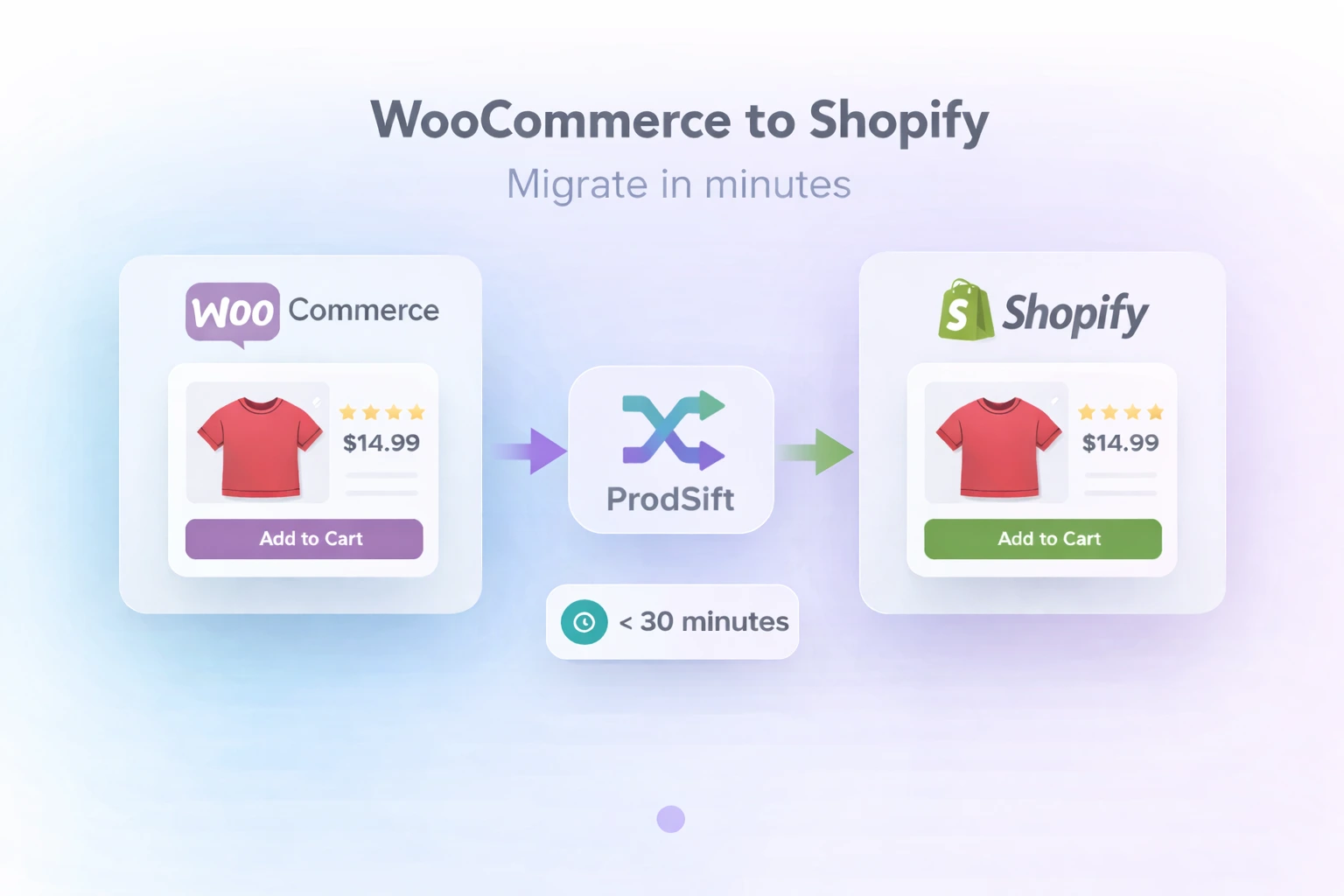
Switch from WooCommerce to Shopify without the hassle. Export all products, images, and variants in perfect Shopify format. No coding. No data loss. No downtime.
Migration Complete!
1,247 products migrated
Under 30 Minutes
Saved $2,000+
Why switch from
WooCommerce to Shopify?
Join thousands of store owners who made the switch.
Better Performance
Shopify's hosted infrastructure delivers faster page loads and better uptime than self-hosted WooCommerce.
Lower Costs
No server management, security updates, or plugin conflicts. Shopify handles everything.
Built-in Payments
Shopify Payments is integrated natively with lower fees and no third-party setup required.
Mobile Optimized
Shopify themes are mobile-optimized by default, converting more mobile traffic into sales.
Better Apps
Access 8,000+ vetted Shopify apps for marketing, inventory, dropshipping, and automation.
Unlimited Scale
Handle traffic spikes and grow to millions in revenue without worrying about server capacity.
Migration Made Simple
Migrate in Minutes
Export your entire catalog and import to Shopify in under an hour. No complex setup required.
Zero Data Loss
Preserve all product details, variants, images, SKUs, and prices. Everything transfers perfectly.
Complete Transfer
Migrate titles, descriptions, prices, images, variants, categories, tags, and inventory automatically.
Save Thousands
Do in 10 minutes what developers charge $2,000+ for. No expensive migration services needed.
Test First
Export and test in Shopify before switching. Make sure everything looks perfect risk-free.
Keep SEO Rankings
Export with proper formatting to maintain SEO value. Set up 301 redirects easily.
Four Simple Steps
Migrate your store in minutes, not weeks
Export WooCommerce Products
Enter your WooCommerce store URL. Our tool automatically discovers and extracts all products, variants, and images.
Select Products to Migrate
Choose specific categories or your entire catalog. Review extracted data to ensure everything looks correct.
Download Shopify CSV
Get a perfectly formatted Shopify CSV file with all product data ready for seamless import. No manual formatting needed.
Import to Shopify
In Shopify admin: Products → Import → Upload CSV → Click 'Upload and continue'. Products appear instantly with all data intact.
WooCommerce vs Shopify
| Feature | WooCommerce | Shopify |
|---|---|---|
| Hosting & Servers | Self-managed | ✅ Fully managed by Shopify |
| Security & Updates | Manual updates | ✅ Automatic & always secure |
| Payment Processing | Third-party only | ✅ Built-in Shopify Payments |
| Mobile Optimization | Depends on theme | ✅ Mobile-first by default |
| Page Load Speed | Server dependent | ✅ Consistently fast (CDN) |
| Monthly Cost | $50-200 + plugins | ✅ $29-299 (all-inclusive) |
Migration Questions Answered
Everything you need to know about migrating from WooCommerce to Shopify
With ProdSift, product extraction takes 2-10 minutes depending on catalog size. Importing into Shopify takes another 5-15 minutes. Total migration time is typically under 30 minutes for most stores.
No. Our tool extracts complete product data including titles, descriptions, prices, images, variants, SKUs, categories, tags, and inventory status. Everything is preserved in Shopify-compatible format.
Yes! All product images are included in the export. The CSV contains direct image URLs that Shopify automatically downloads when you import. No manual image uploads needed.
Absolutely. Our tool intelligently converts WooCommerce variations into Shopify variants. Each variant maintains its own price, SKU, and inventory level with proper formatting.
No! Migration is non-destructive. Your WooCommerce store continues operating normally while you extract data. You can test everything in Shopify before switching.
Categories are converted to Shopify Collections, and tags transfer as Product Tags. The hierarchy and organization are maintained for easy adjustment after import.
Helpful Resources
Guides to help you complete your migration
Ready to Migrate?
Join thousands who successfully migrated with ProdSift. Start in the next 5 minutes.
Start Migration FreeTest with 5 products free • No credit card required