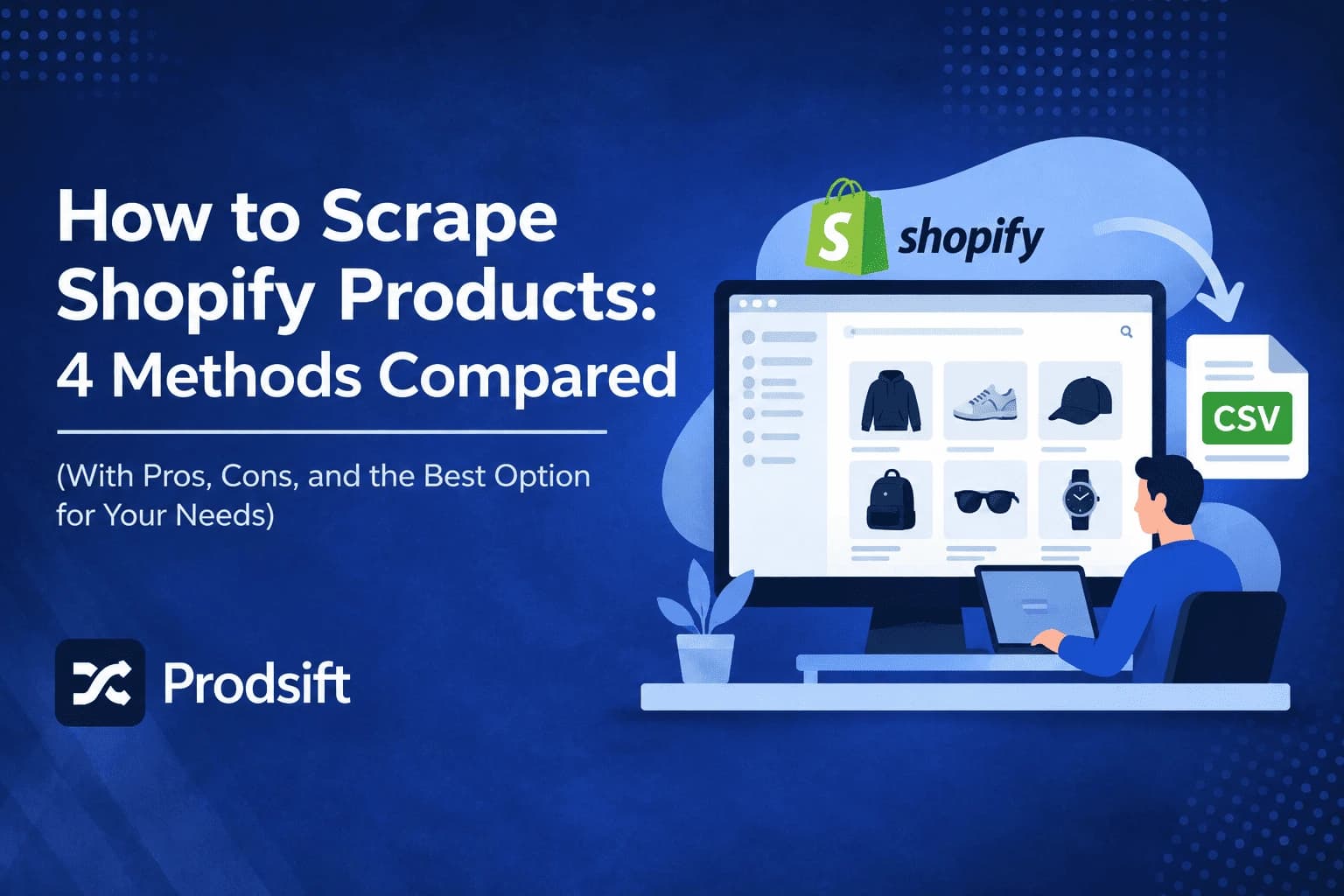
There are four ways to scrape Shopify products, and the right one depends on a single question: is it your store, or someone else's? This guide compares every method — Shopify's built-in export, custom code, visual scraping tools, and dedicated Shopify scrapers — with the trade-offs of each, how variants behave, and how to get the data into another platform cleanly.
📥 Quick answer: To scrape Shopify products from any public store, paste the store URL into a dedicated Shopify scraper like ProdSift. It extracts every product, variant, price, SKU, and image, and exports a CSV formatted for Shopify or WooCommerce. If it's your own store, use Products → Export in your Shopify admin instead — no scraper needed.
Key Takeaways
- Shopify's built-in export only works on stores where you have admin or staff access
- To scrape a store you don't own, your options are custom code, a generic visual scraper, or a dedicated Shopify scraper
- Variants are where most methods break — a product in 3 sizes and 4 colours is 12 variants, and generic tools usually capture only the default one
- A Shopify CSV will not import into WooCommerce without remapping — the two platforms structure variants completely differently
- ProdSift extracts any public Shopify or WooCommerce store by URL and exports in either platform's format, with no API key or credentials
Every product in a Shopify store is public by design — customers need to see it to buy it. So the challenge isn't access. It's collecting hundreds or thousands of products with every variant intact, in a format another platform will actually accept. That's what separates the four methods below.
What does it mean to scrape Shopify products?
Scraping Shopify products means extracting a store's public catalog data — titles, descriptions, prices, variants, SKUs, images, tags, and stock status — into a structured file, usually a CSV. The file can then be imported into another store, opened in a spreadsheet, or used for analysis.
Common reasons to scrape Shopify products
- Store migration — moving a catalog from Shopify to WooCommerce, or between two Shopify stores, without re-entering every product by hand.
- Stocking a new store — pulling a supplier's or wholesaler's catalog to populate your own listings faster.
- Competitor research — tracking a competitor's pricing, product range, and new launches across their full catalog.
- Dropshipping product research — collecting product data from stores in your niche to evaluate what's selling and at what price.
- Catalog backup — keeping an offline copy of listings before a theme change, app removal, or platform switch.
Method 1: Shopify's built-in product export
If you own the store, this is the method to use. Shopify's native export produces a CSV in Shopify's own import format, so it re-imports into another Shopify store cleanly.
- Log into your Shopify admin — you need an owner account or a staff account with product permissions.
- Go to Products — click Products in the left-hand sidebar to open your full product list.
- Click "Export" — at the top right of the Products screen. This opens the export dialog.
- Choose which products to export — the current page, all products, selected products, or products matching your current search and filters.
- Choose the file format — CSV for Excel, Numbers, or other spreadsheet programs, or a plain CSV file. Use plain CSV if you plan to import the file somewhere else.
- Click "Export products" — small exports download immediately. Larger exports are emailed to you as a download link.
Best for: backing up or moving your own store.
The limitation: it requires admin access, so it does nothing for a store you don't control. And it only outputs Shopify's format — moving that file into WooCommerce means remapping every column by hand.
Method 2: Write your own scraper
Developers often reach for a Python script: request each product page, parse the HTML with a library like BeautifulSoup, and write the results to a CSV. It's free and gives you control over every field, but it's more work than it first appears:
- Every theme is different. Shopify themes structure product pages in different ways, so selectors written for one store often fail on the next.
- Variant data is hard to reach. Sizes, colours, and per-variant prices are frequently loaded by JavaScript rather than sitting in the page HTML.
- Pagination and rate limits. Large catalogs span many collection pages, and sending requests too quickly gets your IP throttled or blocked.
- Constant maintenance. When the store updates its theme, your scraper breaks and has to be rewritten.
Best for: developers who need a one-off custom dataset and have time to debug it.
Method 3: Generic visual scraping tools
Point-and-click tools like Octoparse, ParseHub, and the Web Scraper browser extension let you click the elements you want — title, price, image — and build a scraping template without writing code.
They work on almost any website, which is both their strength and their weakness. Because they know nothing about Shopify specifically:
- You build a new template for every store — typically 30 to 60 minutes each, and again whenever a store changes its layout.
- Variants are rarely captured properly — you usually get the default price and lose the rest.
- The output isn't import-ready — you get a raw spreadsheet that neither Shopify nor WooCommerce will accept without a round of cleanup and remapping.
Best for: one-off research on sites where no specialised tool exists.
Method 4: A dedicated Shopify scraper
A dedicated scraper is built for exactly this job, so it handles the parts that break the other methods — variants, pagination, and output format — automatically. With ProdSift:
- Paste the store URL — any public Shopify or WooCommerce store. ProdSift detects the platform automatically, so you don't need to know what the store runs on.
- ProdSift extracts the full catalog — every product and variant, with prices, SKUs, images, tags, product types, and stock status, shown in the store's own currency.
- Choose your export format — Shopify CSV, WooCommerce CSV, or a simple CSV, already mapped for the platform you're importing into.
There's no setup, no template to build, and no code. On the free plan you can view a store's entire catalog and export 5 products — enough to test the import on your own store before committing.
Best for: migrations, stocking a new store, and competitor research on Shopify and WooCommerce stores.
The limitation: it only covers Shopify and WooCommerce. Some stores sit behind aggressive bot protection that blocks automated access, and no scraper gets past that reliably.
Comparison: which method should you use?
| Built-in export | Custom code | Visual scraper | Dedicated Shopify scraper | |
|---|---|---|---|---|
| Works on stores you don't own | No | Yes | Yes | Yes |
| Keeps all variants | Yes | Only if you build it | Rarely | Yes |
| Import-ready CSV | Shopify only | Only if you build it | No | Shopify and WooCommerce |
| Setup time | Minutes | Hours to days | 30–60 min per store | Seconds |
| Coding required | No | Yes | No | No |
| Breaks when the theme changes | No | Yes | Yes | No |
Pro tip: Not sure whether a store even runs on Shopify? Many Shopify stores use custom domains, so the URL won't tell you. Run it through the free store checker first — it identifies the platform in a few seconds.
Scraping Shopify products for a store migration
Migration is the most common reason people scrape Shopify products — and it's where format mistakes cost the most time. The core problem is that Shopify and WooCommerce structure variants in completely different ways.
Shopify groups every variant of a product under a shared Handle. The first row carries the product details; each following row carries one variant:
| Handle | Title | Option1 Name | Option1 Value | Variant SKU | Variant Price |
|---|---|---|---|---|---|
| classic-tee | Classic Tee | Size | Small | TEE-001-SM | 25.00 |
| classic-tee | — | — | Medium | TEE-001-MD | 25.00 |
| classic-tee | — | — | Large | TEE-001-LG | 27.00 |
WooCommerce expects a separate parent row of type variable, followed by one variation row per variant, each pointing back to the parent:
| Type | Name | SKU | Parent | Attribute 1 value(s) | Regular price |
|---|---|---|---|---|---|
| variable | Classic Tee | TEE-001 | — | Small | Medium | Large | — |
| variation | — | TEE-001-SM | TEE-001 | Small | 25.00 |
| variation | — | TEE-001-MD | TEE-001 | Medium | 25.00 |
| variation | — | TEE-001-LG | TEE-001 | Large | 27.00 |
The column names differ too:
| Field | Shopify column | WooCommerce column |
|---|---|---|
| Product name | Title | Name |
| Description | Body (HTML) | Description |
| Price | Variant Price | Regular price |
| SKU | Variant SKU | SKU |
| Stock quantity | Variant Inventory Qty | Stock |
| Images | Image Src | Images |
| Product type | Type | Categories |
| Tags | Tags | Tags |
| Variant options | Option1 Name / Option1 Value | Attribute 1 name / Attribute 1 value(s) |
⚠️ Critical: Never import a Shopify CSV into WooCommerce as-is. WooCommerce reads each Shopify variant row as a separate simple product, so a catalog of 200 products with 5 variants each arrives as 1,000 unrelated listings. Always export in the format of the platform you're importing into, not the one you scraped from.
For the rest of the pitfalls — image handling, handles, and duplicate SKUs — see Shopify product catalog export mistakes. For a full platform move, see our Shopify to WooCommerce migration guide.
Scrape any Shopify store with ProdSift
Paste a store URL and get every product and variant in a Shopify or WooCommerce CSV — no API key, no code. First 5 products free.
Try it freeIs it legal to scrape Shopify stores?
Collecting publicly visible product information is generally lawful in most places, but the rules vary by country and depend on how you use the data. The bigger risk is usually republishing rather than collecting: product descriptions and photos are typically copyrighted by the store that created them, so copying them wholesale onto your own store can cause problems even when gathering them didn't.
Scraping your own store, or a supplier's catalog you have permission to use, is the safe case. For competitor research, using the data to analyse pricing and range is very different from cloning their listings. If you're unsure about a specific situation, check with a lawyer where you operate.
Common Shopify scraping issues and fixes
🔧 The scraper returns only one row per product
The scraper isn't reading variants. Generic scrapers usually capture the default variant displayed on the page and miss the rest. A product in several sizes or colours should produce one row per variant — if it doesn't, switch to a tool that extracts variants natively.
🔧 "This doesn't appear to be a Shopify store"
The store may be running a different platform — Shopify stores often use custom domains, so it's easy to assume wrong. Check it with the store checker. Some stores also run a fully custom frontend on top of Shopify, and those can't always be read the way a standard storefront can.
🔧 Access denied or blocked requests
Some stores use bot protection such as Cloudflare challenges that block automated requests entirely. Retrying repeatedly won't help and may extend the block. If a store is protected this way, the only reliable route is asking the store owner for an export.
🔧 Prices are in the wrong currency
Shopify Markets lets stores show different prices and currencies depending on where the visitor is located, so the same store can return different prices to different countries. Check which currency your export was captured in before comparing prices or importing them into your own store.
🔧 Images are missing after import
A Shopify CSV contains image URLs, not the image files themselves. The importing platform downloads each image from its URL during import. If the source store has deleted those images or closed, the URLs stop working and the images fail to import — so import soon after scraping when a store is shutting down.
🔧 Special characters appear as garbled text
This is a character encoding issue — the CSV was opened without UTF-8 encoding. In Google Sheets, use File → Import. In Excel, use Data → From Text/CSV and set the encoding to 65001 (UTF-8).
Frequently asked questions
Use a scraper. Shopify's built-in export requires admin access, so for any other store you need custom code, a visual scraping tool, or a dedicated Shopify scraper like ProdSift, which extracts the full catalog from the store URL alone.
Yes. Product data on a public Shopify storefront is visible to any visitor, so a scraper doesn't need an API key or credentials. An API key is only needed to manage a store you own through Shopify's official Admin API.
It depends on the method. Shopify's built-in export and dedicated Shopify scrapers include every variant with its own price, SKU, and stock status. Generic visual scrapers and simple custom scripts usually capture only the default variant shown on the product page.
Run the URL through a store checker, which identifies the platform in a few seconds. Shopify stores frequently use custom domains, so the URL alone usually won't tell you.
Yes, as long as the file is formatted for WooCommerce. A Shopify-format CSV won't import correctly because WooCommerce structures variants differently. ProdSift exports a WooCommerce CSV directly from a Shopify store, with variants split into the parent and variation rows WooCommerce expects.
Yes, as image URLs. The CSV contains the full URL of each product image rather than the image files themselves. The platform you import into downloads the images from those URLs during import.
Collecting publicly visible product data is generally lawful in most places, but rules vary by country. Product descriptions and images are usually copyrighted, so republishing them wholesale is riskier than collecting them. Scraping your own store or a catalog you have permission to use is the safe case.
With a dedicated scraper, seconds to a couple of minutes depending on catalog size. Custom code takes hours to days to build and debug, and visual scraping tools take 30 to 60 minutes to set up for each store.
Get any Shopify catalog into a clean CSV
ProdSift extracts every product and variant from any public Shopify or WooCommerce store and exports it import-ready for either platform. First 5 products free — no credit card.
Start extracting free