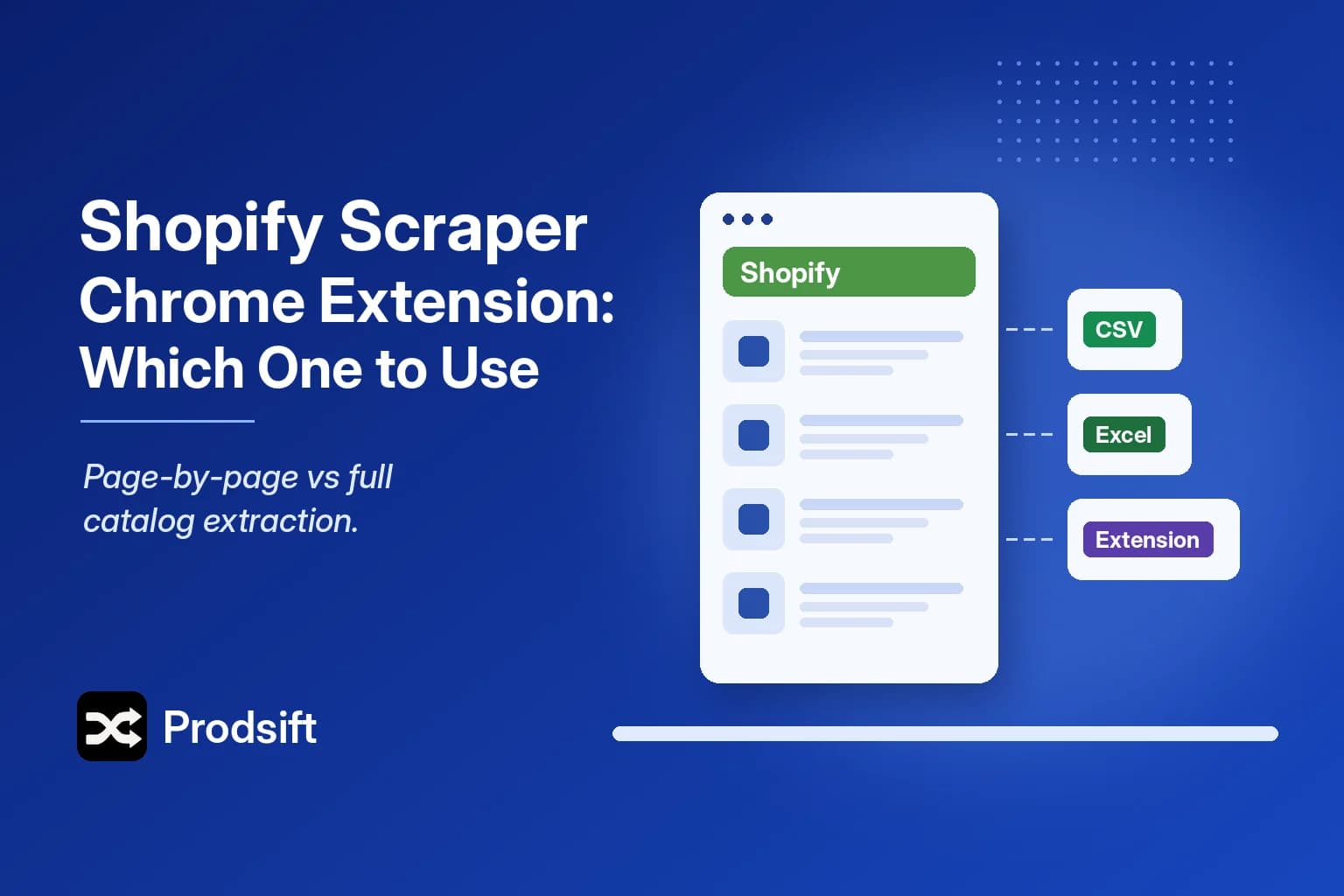
A browser extension is the fastest way to start — one click, no account. Whether it's the right tool depends on how many products you need and what you're going to do with them.
📥 Quick answer: Shopify scraper Chrome extensions come in two kinds. Page-by-page extensions scrape what's on your screen — good for a few dozen products. Detector extensions like ProdSift's free Shopify scraper extension recognise a Shopify store as you browse and send it to a full-catalog extraction that exports an import-ready CSV.
Key Takeaways
- Page-by-page extensions read the products visible in your browser tab and save them to CSV
- They're free and instant, but slow and fragile on catalogs of hundreds of products
- Detector extensions identify Shopify stores as you browse and hand the store to a catalog-level tool
- The output format decides how much cleanup you face — check whether it's import-ready before you rely on it
How Shopify scraper extensions work
Page-by-page extensions
These read the page you have open — a collection page, a product page — and extract the products they can see. To scrape a full catalog, the extension (or you) clicks through every page.
That's why they're quick for small jobs and painful for big ones. A 600-product store can mean dozens of page loads in your browser, and if the tab closes or the theme changes, the run breaks. Output also varies: some capture every variant, others only the first.
Detector extensions
A detector extension doesn't scrape in your browser at all. It tells you when the site you're on runs Shopify, then sends that store to a web app that extracts the whole catalog in one go.
The ProdSift Shopify Scraper extension works this way. Browse to any store, and if it's on Shopify, one click opens it in ProdSift, which pulls every product and variant and exports a CSV formatted for Shopify or WooCommerce import.
Page-by-page extension vs catalog-level Shopify scraper
| Page-by-page extension | Catalog-level tool | |
|---|---|---|
| Where it runs | Your browser tab | A web app |
| Catalog size | Practical up to a few dozen products | Full catalogs |
| Variants | Varies by extension | Every variant as its own row |
| Output | CSV, format varies | Import-ready Shopify or WooCommerce CSV |
| Cost | Usually free | Free tier, paid for full exports |
Get the free ProdSift extensions
- Shopify Scraper – Export Products to CSV — detects Shopify stores as you browse and sends them to the Shopify scraper.
- WooCommerce Scraper — the same for WooCommerce stores, sending them to the WooCommerce scraper.
Neither is required. The Shopify scraper runs entirely on prodsift.com: paste a store URL and export. The extensions just save the copy-and-paste when you're browsing stores anyway.
When an extension is the right tool
- Yes: you want a quick look at a handful of products, you're researching stores as you browse, or you can't install anything server-side.
- No: you need the full catalog, every variant, or a file that imports into another store without remapping. That's a catalog-level job.
Pro tip: Not sure a store is on Shopify? Custom domains hide it well. The free store checker tells you in seconds — or install the extension and it tells you as you browse.
FAQ
Yes. Several page-by-page extensions are free, and ProdSift's Shopify Scraper extension is free too. Free page-by-page extensions export directly; ProdSift's sends the store to the ProdSift app, where you can browse the full catalog and export 5 products on the free plan.
A page-by-page extension can, slowly, by stepping through every collection page. For large catalogs, a catalog-level tool is faster and keeps every variant.
No. The extension is optional. Paste any store URL into ProdSift and it extracts the catalog without it.
The Shopify extension is for Shopify stores. ProdSift has a separate free WooCommerce Scraper extension, and the main app handles both platforms from one URL box.
Scrape the Shopify store you're looking at
Paste any Shopify store URL and get the full catalog as an import-ready CSV. First 5 products free.
Open the Shopify scraper