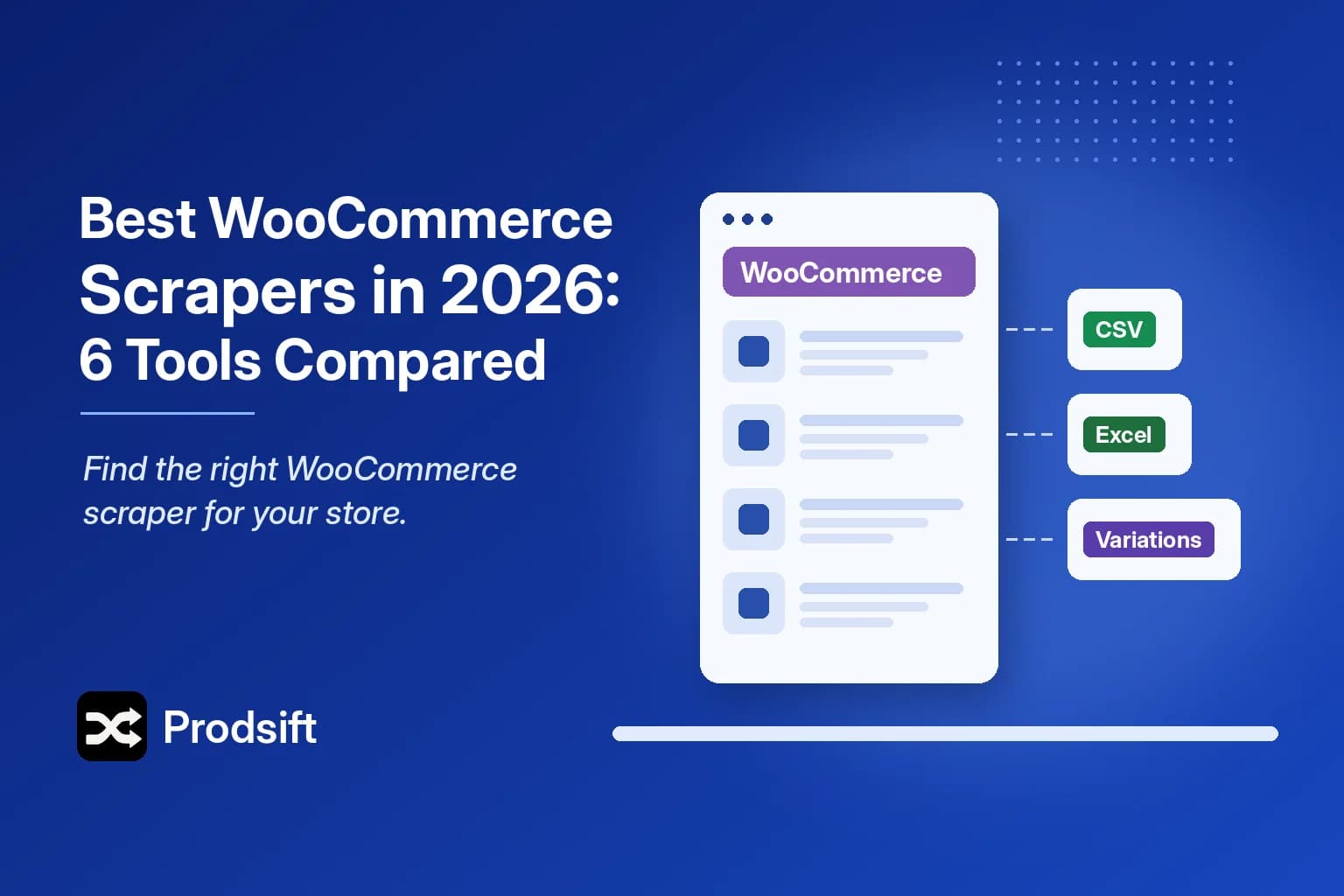
Every WooCommerce scraper on this list can pull product data out of a store. What separates them is how much work stands between the scrape and a file your store will actually accept — and that gap is where most people lose an afternoon.
📥 Quick answer: For an import-ready CSV of any WooCommerce store's catalog, use a dedicated WooCommerce scraper like ProdSift. For a scheduled data feed, use a scraping platform such as Apify. For copying products from one WooCommerce store straight into another, a WordPress scraper plugin works. For a store you own, use WooCommerce's built-in export under Products → Export.
Key Takeaways
- A WooCommerce scraper extracts a store's public catalog into a structured file; WooCommerce's own export only works with admin access
- Variable products are the real test — each variation has its own price, SKU and stock, and many tools capture only the default
- Dedicated tools give you an import-ready CSV; general-purpose scrapers give you raw data and a remapping job
- Pick by the output you need, not the feature list — that one question rules out most of the options
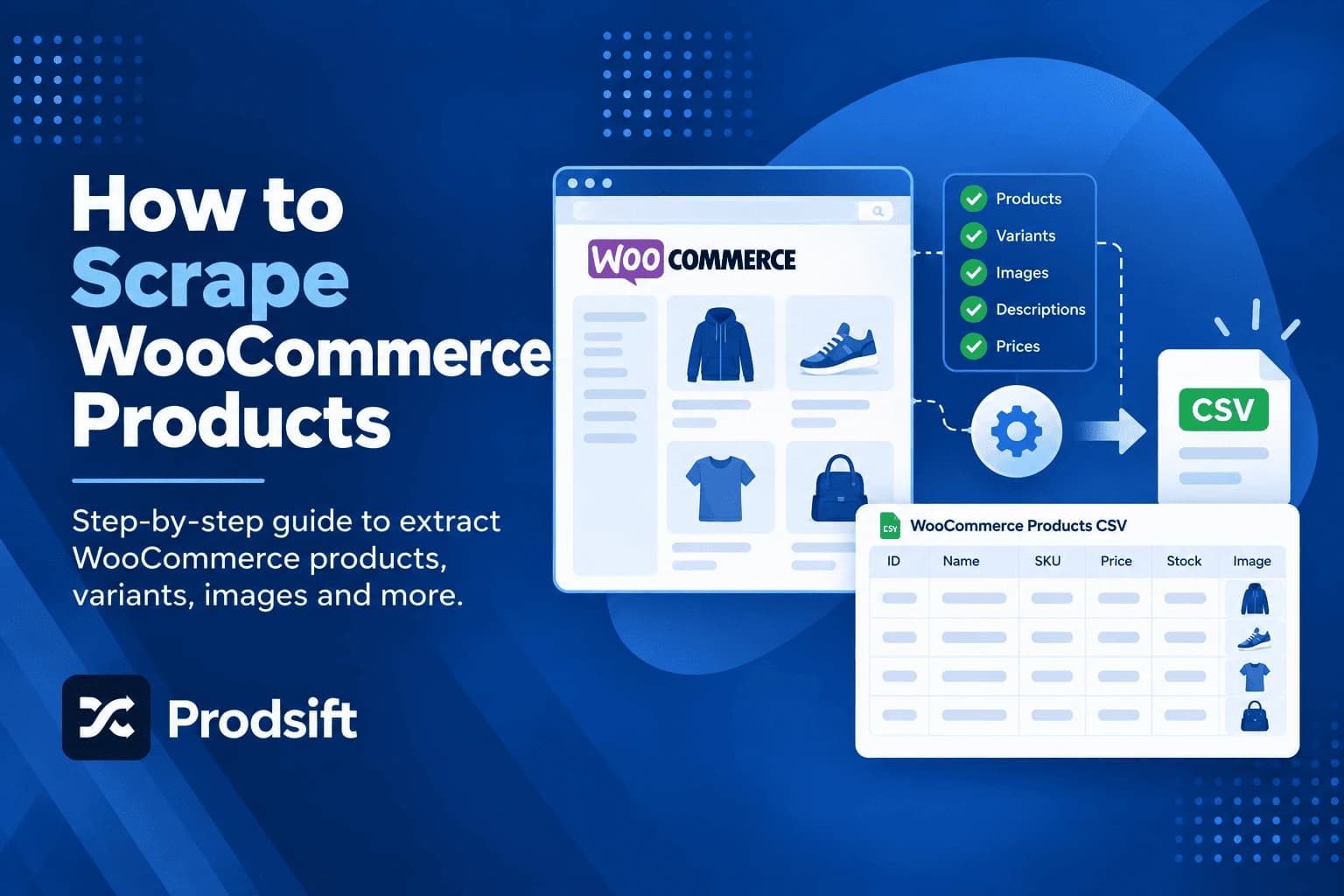
A WooCommerce scraper extracts product data — names, descriptions, prices, variations, SKUs, categories, stock and image URLs — from a WooCommerce storefront and returns it as a structured file. If you're new to the process, start with how to scrape WooCommerce products; this post compares the tools.
Quick comparison
| Tool | Type | Needs store access | Output | Best for |
|---|---|---|---|---|
| ProdSift | Dedicated ecommerce extractor | No | Import-ready WooCommerce or Shopify CSV | Migrations, competitor and supplier catalogs |
| Apify | Scraping platform | No | JSON / raw data | Developers building recurring feeds |
| Octoparse | Visual scraper | No | CSV / Excel | Non-developers with mixed sources |
| WordPress scraper plugins | Plugin on your store | Your own store | Direct import | WooCommerce-to-WooCommerce reselling |
| Browser extensions | Chrome extension | No | CSV | Small, one-off jobs |
| WooCommerce native export | Built-in admin tool | Yes | WooCommerce CSV | Backing up your own store |
1. ProdSift
A dedicated WooCommerce scraper and Shopify scraper in one tool. Paste a store URL, it detects the platform, pulls the full catalog with every variation, and exports a CSV formatted for whichever platform you're importing into — so a WooCommerce catalog can come out as a Shopify-ready file just as easily as a WooCommerce one.
Before exporting you can filter by product type and category, search by name, or tick individual products, which matters when a supplier carries 2,000 products and you want 60.
Strengths: variation-complete, import-ready output; cross-platform export; no setup, plugin or API key. Limits: Shopify and WooCommerce stores only — it won't scrape arbitrary websites.
2. Apify
A platform for running and scheduling scrapers, with a marketplace of community-built actors — several of them WooCommerce-specific. Usage-based pricing, an API, and integrations.
It's the right choice when you're building something that runs on a schedule: a price monitor, a stock tracker, a data product. It's the wrong one when you need a CSV for an import today, because you'll get JSON back and still have the mapping to do.
Strengths: programmable, schedulable, scales. Limits: developer-oriented; actor quality varies; output needs transformation before WooCommerce will import it.
3. Octoparse
A visual scraper: click the elements you want on a page and it builds the extraction rules. It can follow pagination and export to CSV or Excel.
Useful when your sources are mixed — a WooCommerce store, a marketplace, a supplier's static site. The cost is setup per site, and because WooCommerce themes structure product pages differently, a template built for one store often needs rework on the next. Variations shown in dropdowns are a common weak point.
Strengths: no code, works on almost any site. Limits: per-store configuration; output still needs remapping for import.
4. WordPress scraper plugins
These install into your own WooCommerce store and pull products from a source store's URL directly into your catalog, with no CSV in between. They're built for one workflow: reselling or dropshipping from another WooCommerce store.
Strengths: direct import, ongoing syncing from a fixed supplier. Limits: WooCommerce to WooCommerce only; another plugin to maintain on a live store; quality and update frequency vary by vendor. For the full trade-off, see WooCommerce export plugins vs a WooCommerce scraper.
5. Browser extensions
Free Chrome extensions that read the products on the page you're viewing and export them to CSV. No account, nothing to install on a server.
They're fine for a few dozen products. They work page by page, though, so large catalogs mean long runs, and anything that interrupts the run loses progress. Most handle WooCommerce or Shopify, rarely both.
Strengths: free, instant, private. Limits: slow and fragile on large catalogs; variation coverage is inconsistent.
6. WooCommerce's native export
Not a scraper, but the correct tool for exporting a store you own. Go to Products → Export, choose columns and product types, and WooCommerce generates a CSV that re-imports cleanly. Full walkthrough: how to export WooCommerce products to CSV.
Strengths: free, exact, officially supported. Limits: requires admin access — no help with competitor, supplier or not-yet-onboarded client stores.
What separates a good WooCommerce scraper from a bad one
Four things decide whether the file you get is usable:
- Variations. A variable product has a parent row and one row per variation, each with its own price, SKU and stock. A scraper that only reads the default variation silently drops most of your catalog's real data.
- Attributes. Size, colour and material need to come through as attributes, not as text pasted into the title, or the import creates duplicates.
- Images. Gallery images and per-variation images should come out as URLs your importer can fetch.
- Output format. A WooCommerce CSV with the right column names imports in one pass. A generic CSV means remapping every column by hand.
Pro tip: Confirm the store really runs WooCommerce before choosing a tool. Custom themes hide it well — the free store checker identifies the platform in seconds.
How to choose the best WooCommerce scraper
Ask one question first: do you need a finished CSV, or a data pipeline?
- A finished CSV, once or occasionally — a dedicated extractor. Native export if the store is yours.
- A recurring feed — Apify or another scraping platform.
- Ongoing WooCommerce-to-WooCommerce reselling — a WordPress scraper plugin.
- A handful of products, free, right now — a browser extension.
The usual mistake is using a general-purpose scraping platform for a one-off catalog job. You'll get the data — then spend longer fixing columns and rebuilding variations than the scrape took. If Shopify stores are on your list too, the same breakdown for Shopify is in best Shopify scrapers.
FAQ
For an import-ready CSV of a store you don't own, a dedicated tool like ProdSift is the most direct option: it keeps every variation intact and exports in WooCommerce or Shopify format. For recurring data collection, a platform like Apify fits better.
Yes, with limits. Browser extensions are free but slow on large catalogs, WooCommerce's native export is free but only for your own store, and most dedicated tools have a free tier. ProdSift's free plan shows a store's full catalog and exports 5 products so you can test the import first.
The better ones can. Look for a tool that exports each variation as its own row with its own price, SKU and stock. Tools that only read the product page often capture the default variation and miss the rest.
No. The REST API needs keys that only the store owner can create. A scraper works from the public storefront, so it doesn't need credentials.
Yes, if it can export in Shopify format. ProdSift exports a WooCommerce catalog as a Shopify-ready CSV, so there's no column remapping between the scrape and the import.
Try the WooCommerce scraper on any store
Paste a WooCommerce store URL and get every product and variation in an import-ready CSV. First 5 products free — no credit card.
Scrape a WooCommerce store