Choosing between Shopify and WooCommerce is one of the most important decisions you'll make for your online store. Here's a deep comparison across cost, ease of use, SEO, and scalability — so you can pick the right platform for your business.
Key Takeaways
- Shopify is easier to launch — everything is hosted, managed, and included out of the box
- WooCommerce gives you full ownership, lower long-term costs, and deeper customization
- For SEO, WooCommerce has a slight edge thanks to WordPress — but Shopify is catching up fast
- Shopify wins on product management speed; WooCommerce wins on flexibility and control
- If you're already on one platform and want to switch, ProdSift can migrate your full product catalog in minutes
Every year, millions of entrepreneurs ask the same Shopify vs WooCommerce question: should I build my store on Shopify or WooCommerce? Both platforms power hundreds of thousands of successful online stores. Both can handle everything from a one-product dropshipping store to a catalog of 50,000 SKUs. And both have passionate communities of developers and merchants behind them.
But they are fundamentally different in philosophy — and the right choice depends entirely on your situation, technical comfort level, and long-term goals. This guide gives you an unbiased, in-depth comparison so you can make the right call.
Quick overview: Shopify vs WooCommerce
Before diving deep, here's a high-level summary of what each platform is and who it's built for.
| Shopify | WooCommerce | |
|---|---|---|
| Type | Hosted SaaS | Self-hosted plugin (WordPress) |
| Setup time | Minutes | Hours to days |
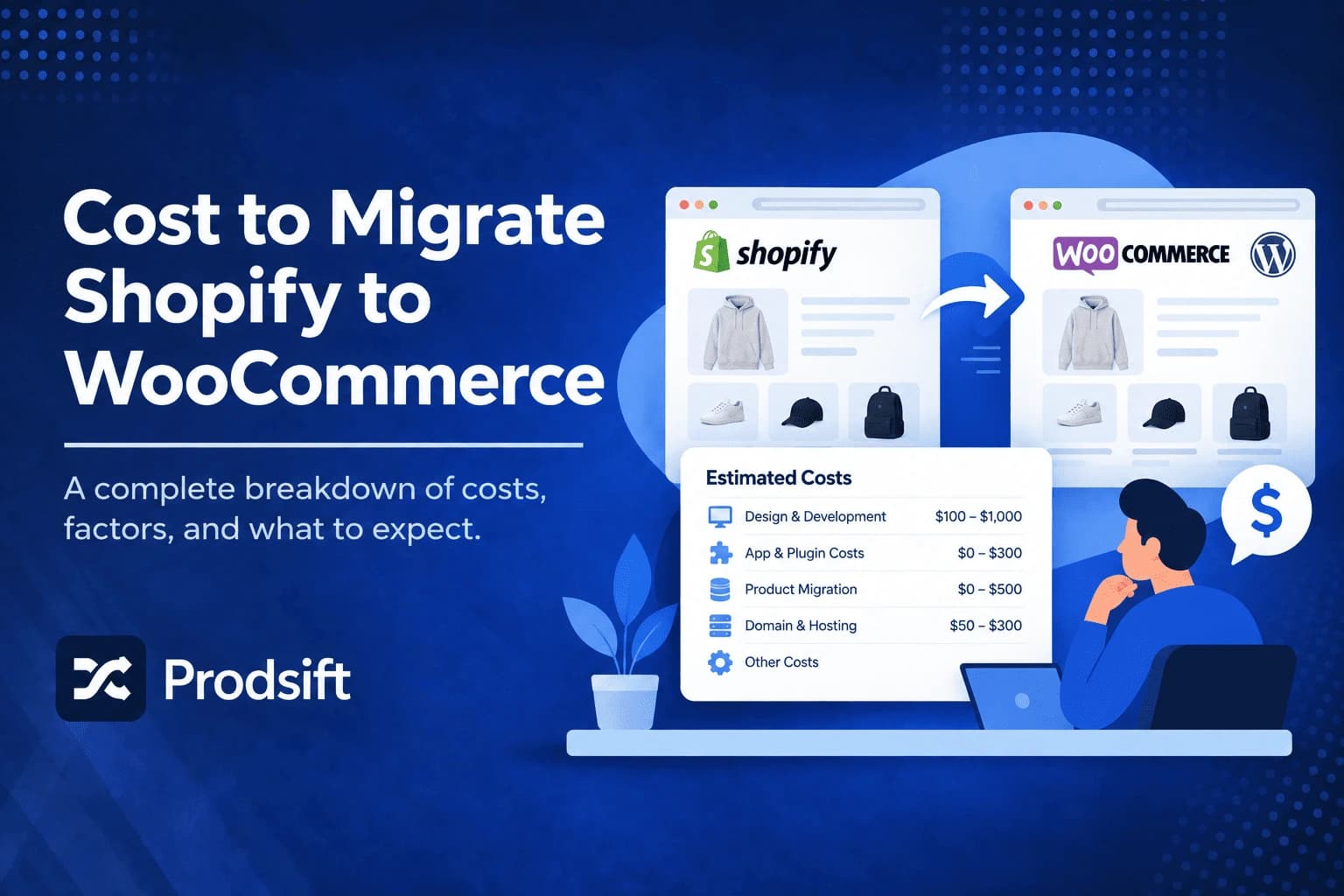
| Monthly cost | $29–$299+ | $5–$50 hosting + plugins |
| Technical skill needed | None | Low to moderate |
| Hosting | Included | You manage it |
| Ownership | Shopify owns the platform | You own everything |
| Best for | Speed & simplicity | Control & customization |
Cost & pricing comparison
Cost is often the deciding factor — especially for new store owners. But the true cost of each platform is more nuanced than just the monthly subscription.
Shopify pricing
Shopify's published plans start around $29/month for Basic (suitable for new stores), rise to roughly $79/month for the mid tier (more staff accounts and professional reports), and around $299/month for Advanced (lower transaction fees, advanced reporting). Shopify Plus, the enterprise tier, is quoted individually and starts in the low thousands per month.
On top of the plan cost, Shopify charges 0.5%–2% transaction fees on every sale unless you use Shopify Payments (unavailable in some countries).
Note: Platform pricing changes regularly. Check Shopify's pricing page for current figures before budgeting.
WooCommerce pricing
WooCommerce is free to install — but you still pay for hosting, a domain, and potentially premium plugins or themes. A realistic breakdown:
- Hosting: $5–$30/month (shared) or $50–$200/month (managed WordPress)
- Domain: ~$15/year
- SSL certificate: free with most hosts
- Premium theme: $40–$80 one-time
- Paid plugins: $0–$200+/year depending on your stack
- No transaction fees on sales — you keep more revenue
Verdict: WooCommerce is cheaper at scale — especially if you're doing high volume and want to avoid transaction fees. Shopify is more predictable month-to-month.
Ease of use & setup
This is where Shopify wins decisively. You can have a fully functional store live in under an hour — payment processing, checkout, and shipping all configured — without touching a line of code.
WooCommerce requires installing WordPress, choosing a host, installing the WooCommerce plugin, configuring your theme, and then setting up payment gateways. For a non-technical user, this process can take days and often requires hiring a developer.
- Shopify ★★★★★ — sign up, pick a theme, add products, you're live. No server management, no updates, no downtime worries.
- WooCommerce ★★★☆☆ — much more flexibility, but setup requires time and technical knowledge. You're responsible for backups, security, and updates.
SEO capabilities
Both platforms can rank well in Google — the platform itself is rarely the reason a store ranks or doesn't rank. That said, there are meaningful differences.
WooCommerce SEO strengths
- Runs on WordPress — the world's most SEO-friendly CMS
- Full control over URL structure, including removing /product/ from slugs
- Yoast SEO and Rank Math integrate deeply at no extra cost
- Blog is a first-class feature — essential for content-driven SEO
- Full control over page speed and Core Web Vitals with the right host
Shopify SEO strengths
- Automatic sitemap generation and canonical tags out of the box
- Fast CDN-backed hosting benefits Core Web Vitals by default
- Blog functionality is built in (good for content marketing)
- A mature SEO app ecosystem fills most remaining gaps
- SSL, redirects, and structured data handled automatically
Verdict: WooCommerce has a slight technical SEO edge — particularly for URL control and plugin depth. But Shopify's infrastructure is solid and most stores will rank equally well on either platform if the content is good.
Product management & catalog tools
Managing hundreds or thousands of products is where the two platforms diverge significantly — and it's the area most relevant to dropshippers and catalog-heavy merchants.
Shopify has a clean, fast product editor with excellent bulk edit tools. Variants (size, colour, material) are handled natively, and the CSV import/export is standardized and well-documented.
WooCommerce gives you more flexibility for complex products — composite products, bookings, subscriptions, and custom product types are all supported via plugins. But the admin interface is slower and less polished, especially with large catalogs.
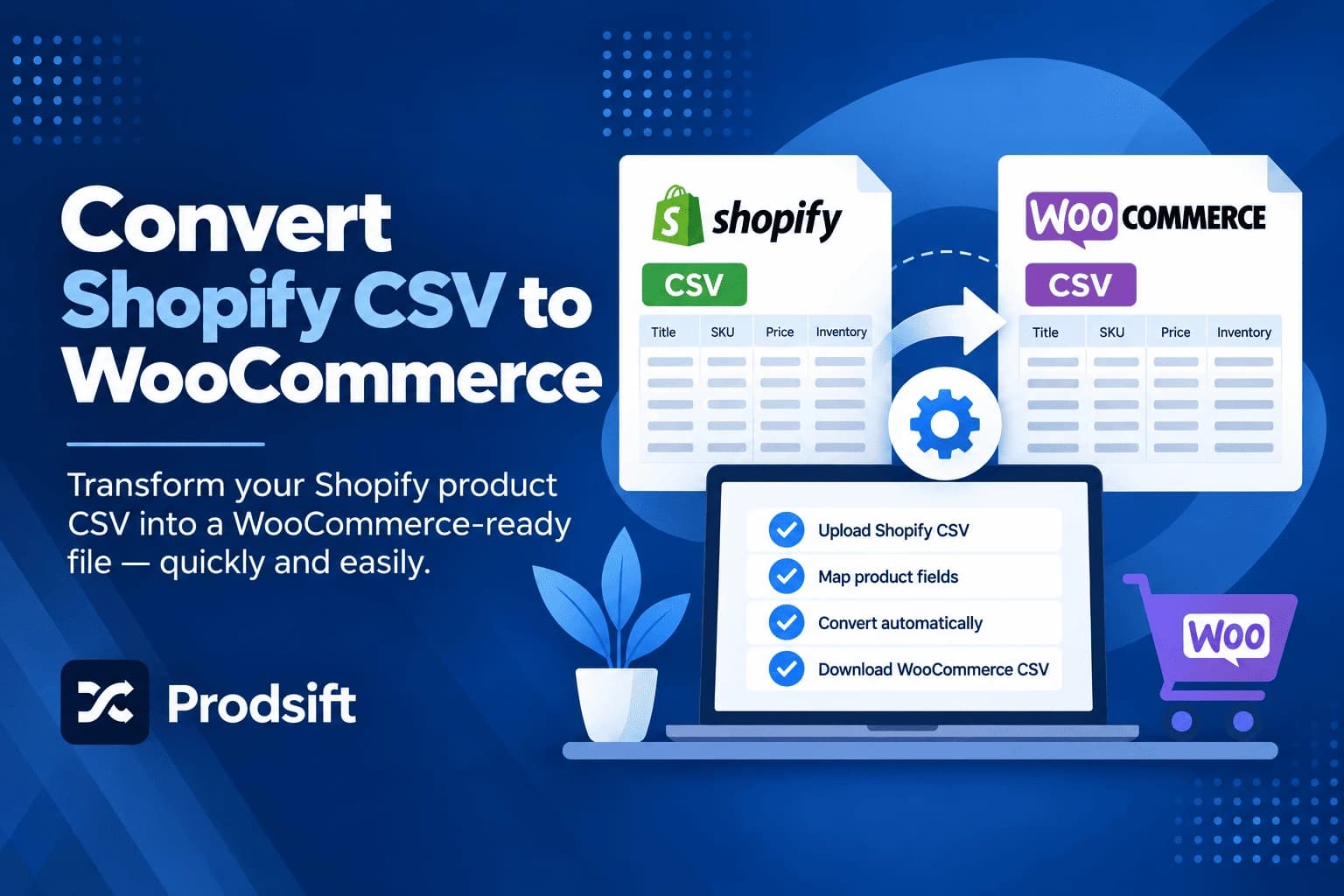
Whether you're moving from Shopify to WooCommerce or the other way around, ProdSift extracts your full product catalog — titles, descriptions, variants, images, prices, SKUs — and exports it as a ready-to-import CSV.
- Paste any Shopify or WooCommerce store URL
- ProdSift extracts the full catalog instantly
- Download a clean CSV — ready to import on either platform
Switching platforms? Move your catalog in minutes
Extract any Shopify or WooCommerce store into a clean, import-ready CSV. First 5 products free — no credit card.
Try it freeScalability & performance
If you're planning to grow — more products, more traffic, more orders — you need a platform that scales with you without becoming a headache.
Shopify handles scale effortlessly on the infrastructure side. Their servers manage traffic spikes automatically. You never have to think about server capacity, CDN setup, or database optimization.
WooCommerce can absolutely scale — but it requires you to invest in good hosting, caching, and optimization as you grow. A poorly configured WooCommerce store on cheap shared hosting will struggle with traffic spikes. A well-configured store on managed WordPress hosting can handle serious volume.
⚠️ Important: If your customers are concentrated in a region far from your server, Shopify's global CDN gives it a meaningful performance advantage over a single-region self-hosted WooCommerce store.
Shopify vs WooCommerce: which should you choose?
There's no universal winner — it depends on your situation. Here's a direct recommendation framework:
Choose Shopify if…
- You want to launch fast and focus on selling, not managing servers
- You're new to ecommerce and don't have technical experience
- You're running a dropshipping store and need reliable uptime
- You're in a region where Shopify Payments is available
- You value predictable monthly costs over long-term savings
Choose WooCommerce if…
- You already have a WordPress site and want to add ecommerce
- You want full ownership and control of your platform and data
- You're selling complex products that need custom product types
- You're doing high volume and want to avoid Shopify's transaction fees
- You have (or can hire) technical resources to manage the infrastructure
Already on the wrong platform?
If you started on one platform and now realize you need the other, migrating your product catalog is the hardest part. Doing it manually — copying titles, descriptions, variants, images, and prices one by one — can take days or even weeks on a large catalog.
ProdSift was built specifically for this. Paste your store URL, and we extract your entire product catalog into a clean, ready-to-import CSV — including all variants, images, SKUs, and pricing data.
- Shopify → WooCommerce — extract from Shopify, import the CSV via the WooCommerce importer
- WooCommerce → Shopify — extract from WooCommerce, import the CSV via Shopify's product importer
- Works on any public store — even one you don't own, which is useful for research and competitive analysis
FAQ
Is Shopify or WooCommerce better for dropshipping?
Shopify is generally better for dropshipping — faster setup, a deeper app ecosystem for supplier integrations, and no server management. WooCommerce works too but requires more configuration.
Which platform is better for SEO in 2026?
WooCommerce has a slight SEO edge due to deeper WordPress integration and URL control. But both platforms can rank well — content quality and backlinks matter far more than which platform you use.
Can I switch from Shopify to WooCommerce (or vice versa) without losing my products?
Yes. The easiest way is to export your product catalog as a CSV from your current platform, then import it into the new one. ProdSift automates the extraction step for you.
Does Shopify work outside North America and Europe?
Yes — Shopify works globally. However, Shopify Payments is not available in all countries, so you may need to use a third-party payment gateway, which adds transaction fees on top of your plan cost.
Is WooCommerce really free?
The plugin itself is free, but you'll need to pay for hosting, a domain, and potentially plugins and themes. Realistically, budget $10–$50/month depending on your setup.
Which platform has lower transaction fees?
WooCommerce charges no platform transaction fees — you only pay your payment gateway's standard rate. Shopify charges 0.5%–2% on top of gateway fees unless you use Shopify Payments.
Migrating platforms? We'll move your catalog for you.
Paste any Shopify or WooCommerce store URL. Get a clean, import-ready CSV in seconds. First 5 products free.
Start extracting free